

Scopes and step-up
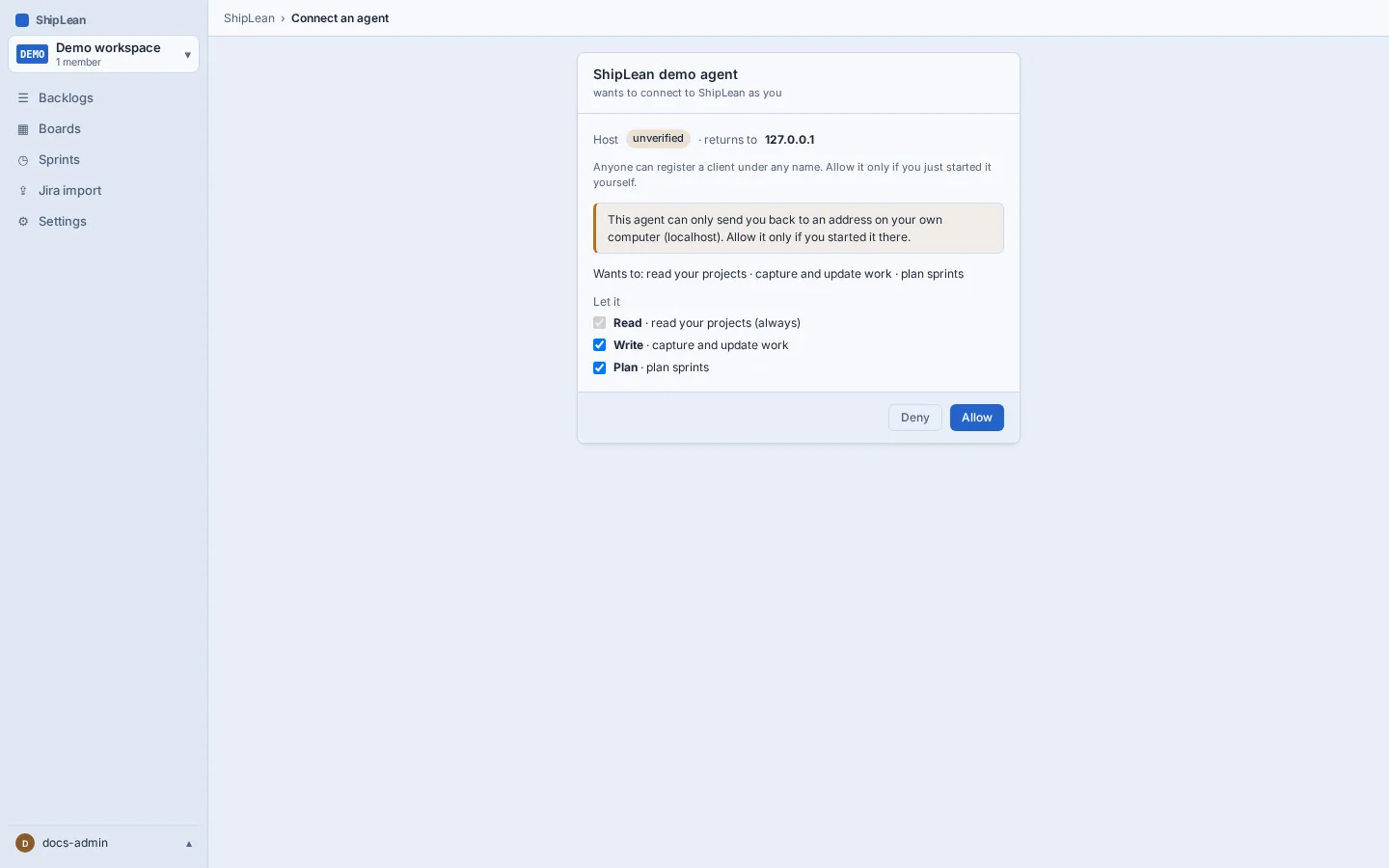
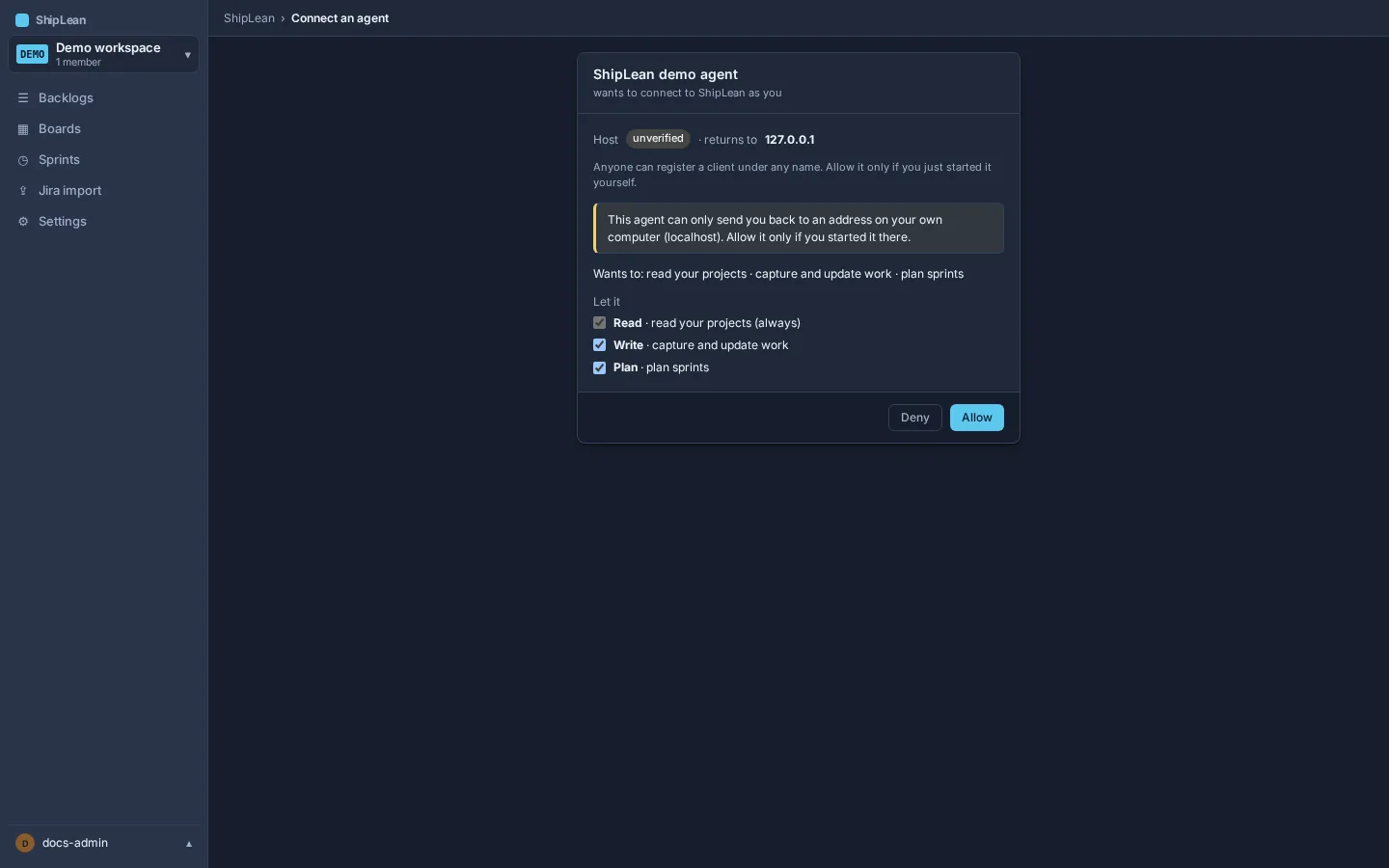
Scopes limit what an OAuth agent connection can do. Every connection needs read access. Depending on the MCP client, the first authorization request can ask for read, write, and plan together, or it can ask for more access later. When a client requests another scope, ShipLean asks you to approve it before the operation runs.
What each scope allows
Section titled “What each scope allows”| Scope | What it allows | Tools |
|---|---|---|
shiplean:read |
Search and read projects, items, attachments, status, and sprint information. It also allows previews that do not change data. | find_work_to_pick_up, feature_progress, get_brief, get_work_item, list_projects, plan_status, planning_guide, read_attachment, review_backlog, search, sprint_review, sprint_status, whats_changed_since |
shiplean:write |
Capture or update work, add comments, links, or attachments, and record progress. | attach_file, attach_markdown, break_down, capture_work, capture_plan, comment, create_feature, hand_back, link, pick_up, refine_work_item, report_link_state, report_task, set_status, update_progress |
shiplean:plan |
Apply a sprint plan, move work into or between sprints, change backlog order, or end a sprint. | create_sprint, end_sprint, move_to_sprint, plan_sprint, reorder |
capture_plan and capture_work can preview with read access. Applying the preview requires write access. plan_sprint and end_sprint also preview with read access, and they require plan access to apply. A single-item capture_work call writes directly and needs write access.
The MCP prompts plan_feature and research_idea are prompt templates, not tool calls. The tools that they lead to still need their own scopes.
What happens at step-up
Section titled “What happens at step-up”When an agent calls a tool without the scope it needs, ShipLean returns HTTP 403 with an insufficient_scope response before the tool runs. The response names the current and required scopes. A client that supports scope step-up can send you back through consent. You see the client name, its verified or unverified host, and the additional scope requested, then choose whether to grant it.
ShipLean adds the new scope to the existing authorization. It does not remove scopes you already approved. If you deny the request, the operation does not run; the agent can continue with actions allowed by its existing scopes.
Review the client and host on the consent page before approving a new scope. You can later revoke the whole connection from Connected agents on your profile. See authentication options for the token and revocation details.