

Epics as areas
An Epic is a broad area of related work, such as onboarding, search, or billing. An Epic can stay useful as its Features come and go. It is not a project with an end date.
Set up your areas
Section titled “Set up your areas”Start with a small set of names your team will recognize. Open the Epics backlog and add an Epic for each area. Avoid creating an Epic for every idea. Put each idea in a Feature under the area it supports.
For example, put Guide new members through their first project under an onboarding Epic. Its goal is to help a new member create a project and find their next action. The Epic gives that Feature wider context. The Feature’s goal stays the same.
Review the Epics backlog and board
Section titled “Review the Epics backlog and board”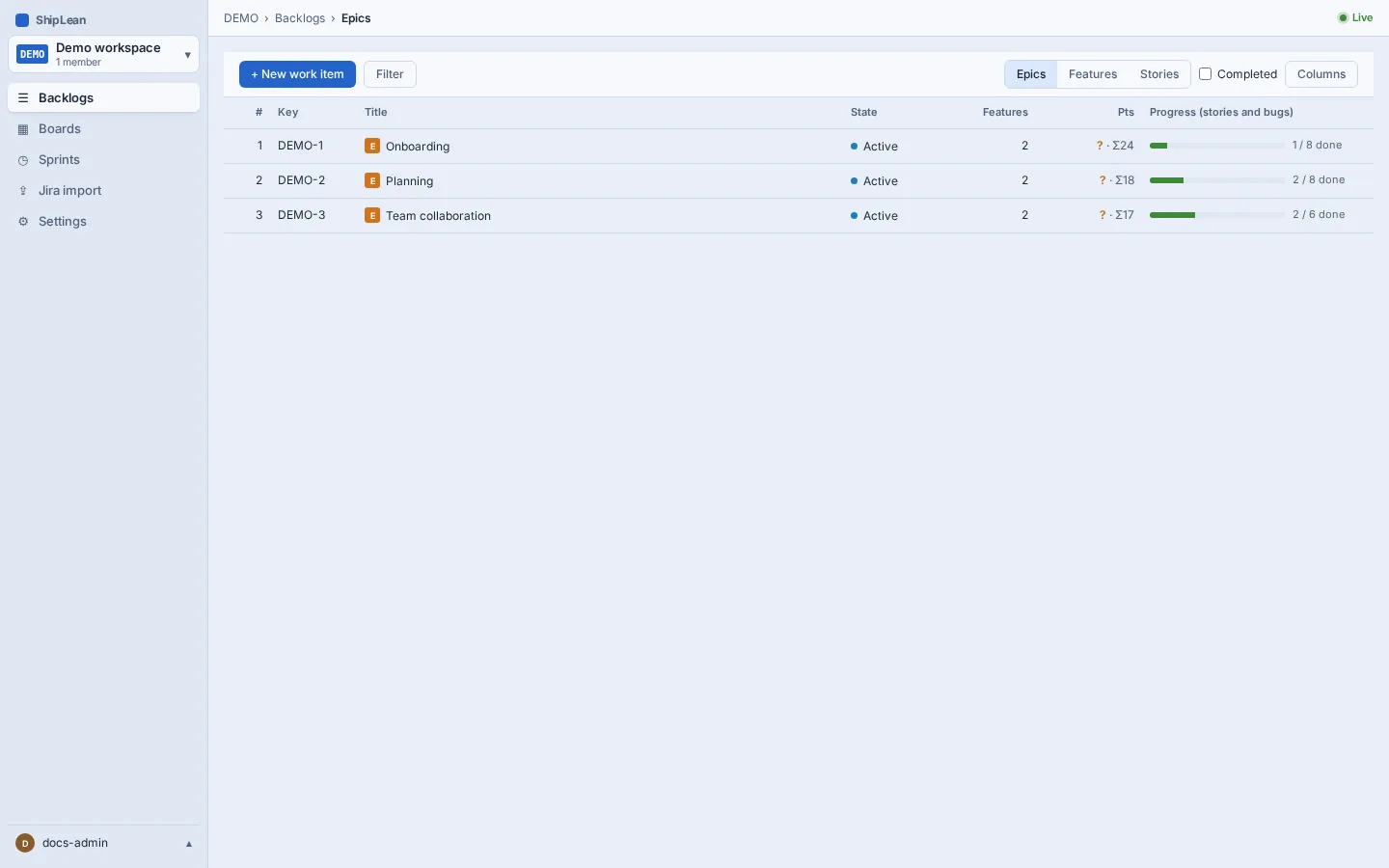
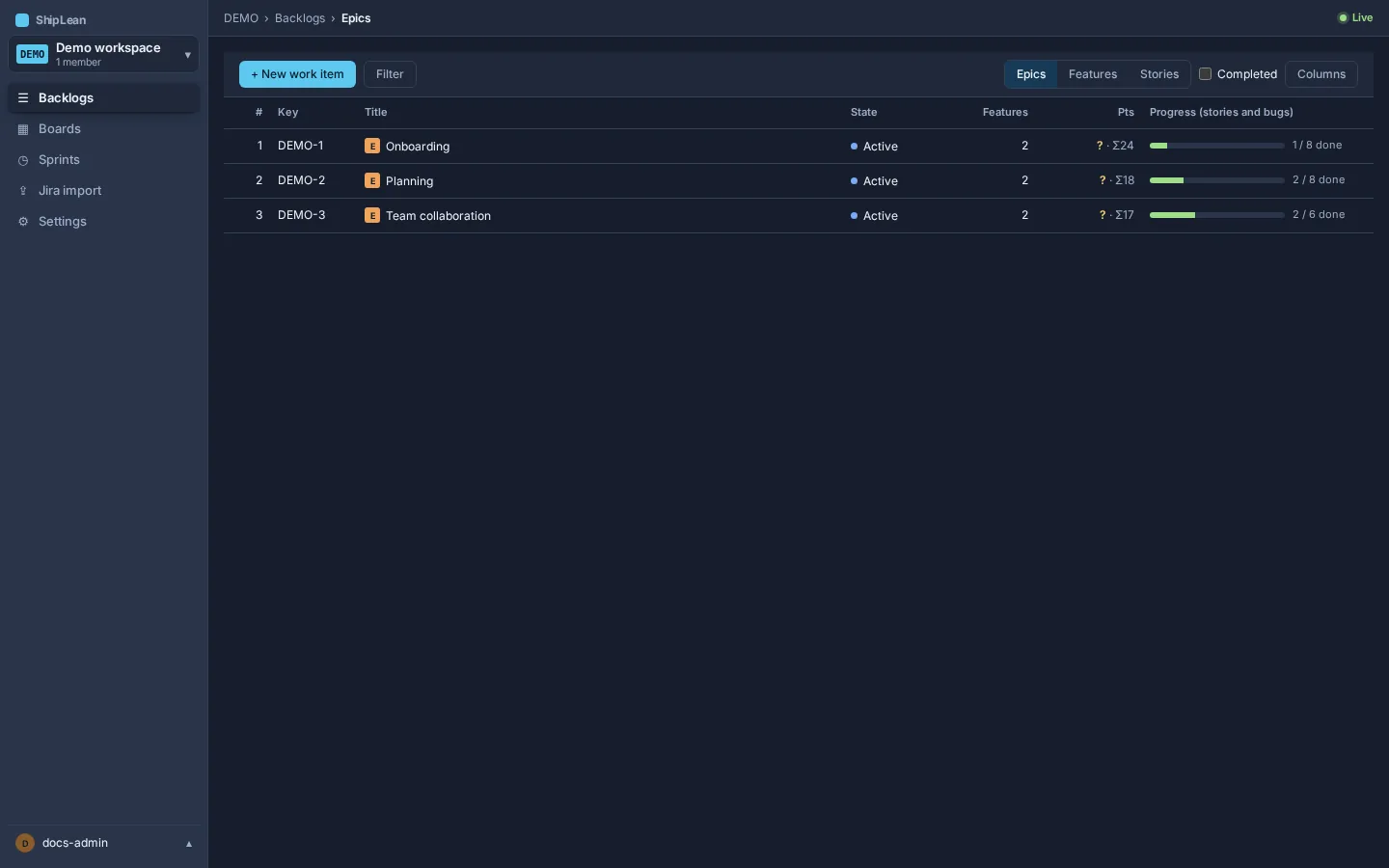
Use the Epics level in Backlogs to review the list of areas. Use the Epics board to see them as cards. Open an Epic to see its work. Review the areas as priorities change.
Group Features by Epic
Section titled “Group Features by Epic”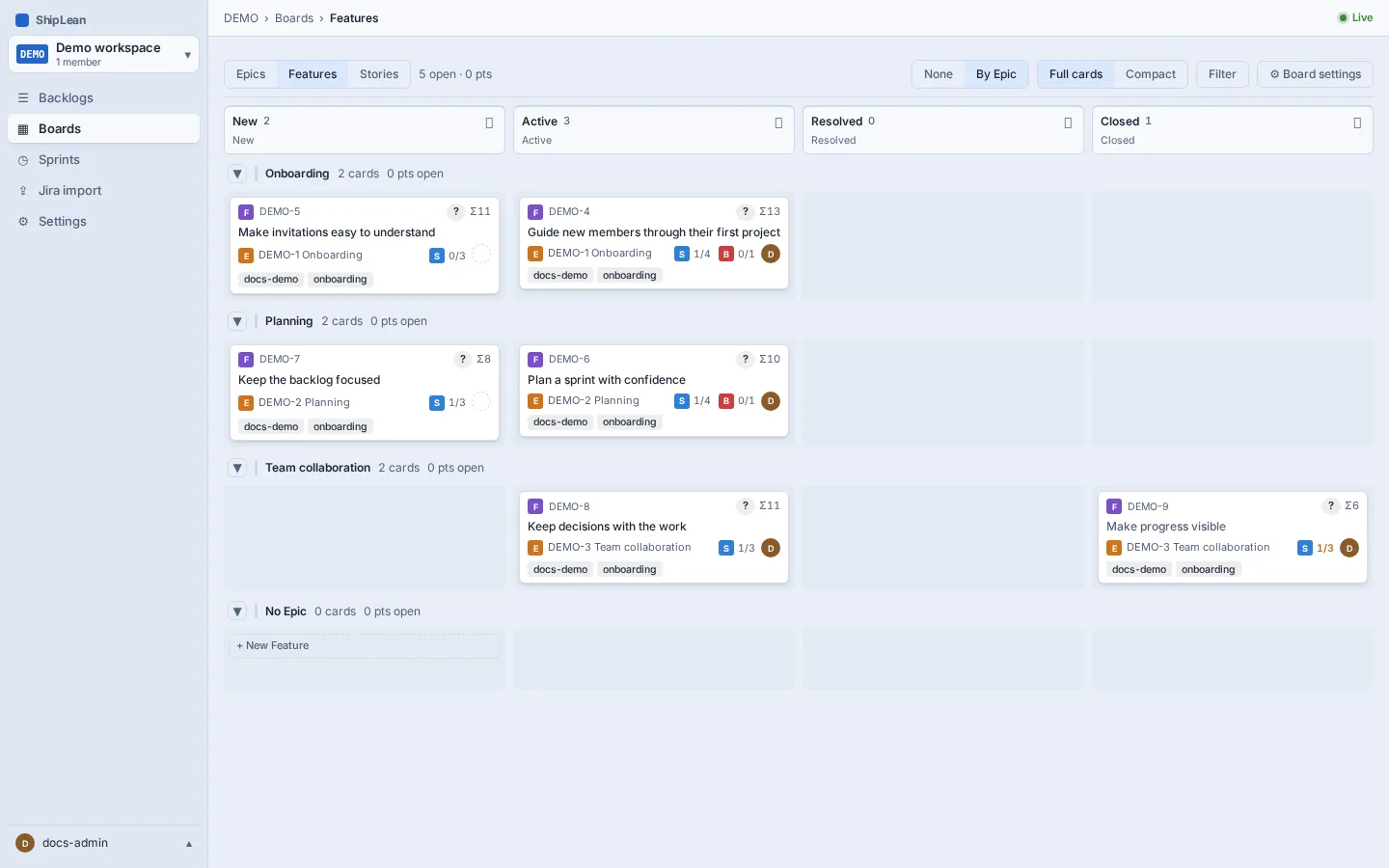
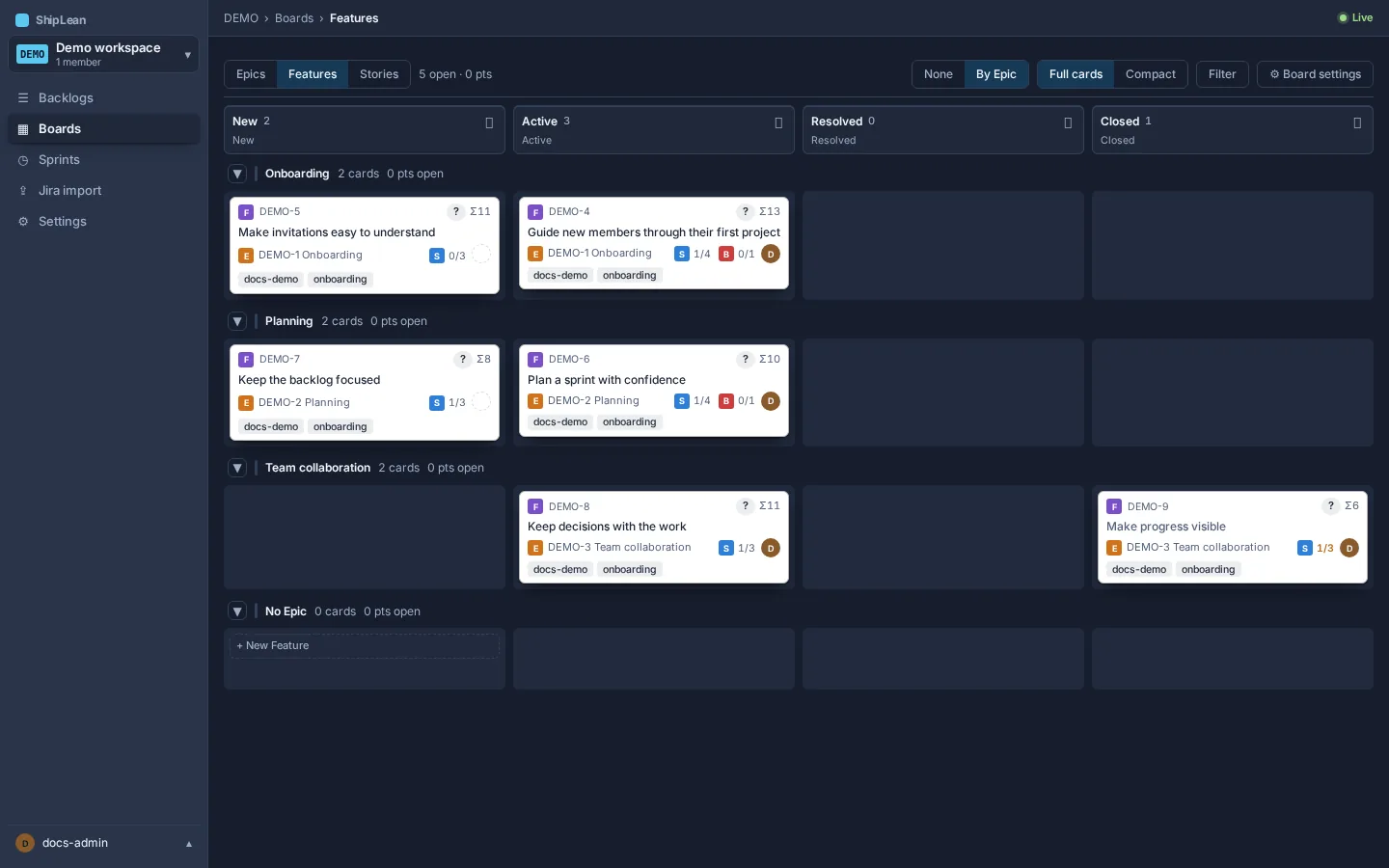
On the Features board, choose swimlanes by Epic to show each area as a lane. Related Features appear together in their lane. Features without an Epic appear in a separate no-Epic lane.
The demo Feature Guide new members through their first project belongs to an Epic, so it appears in that area’s lane. See how to capture an idea and the full flow.