

Run a Scrum sprint
Use a sprint as a time box for selected Stories and Bugs. ShipLean plans in story points. Capacity is also entered in points, not hours or days.
Set up the sprint and capacity
Section titled “Set up the sprint and capacity”Create a sprint from Sprints with a name and dates. Open the sprint’s Capacity page and enter each member’s available points for this sprint. You can add a note, copy values from the previous sprint, or clear the entries. The team total is the capacity used in planning.
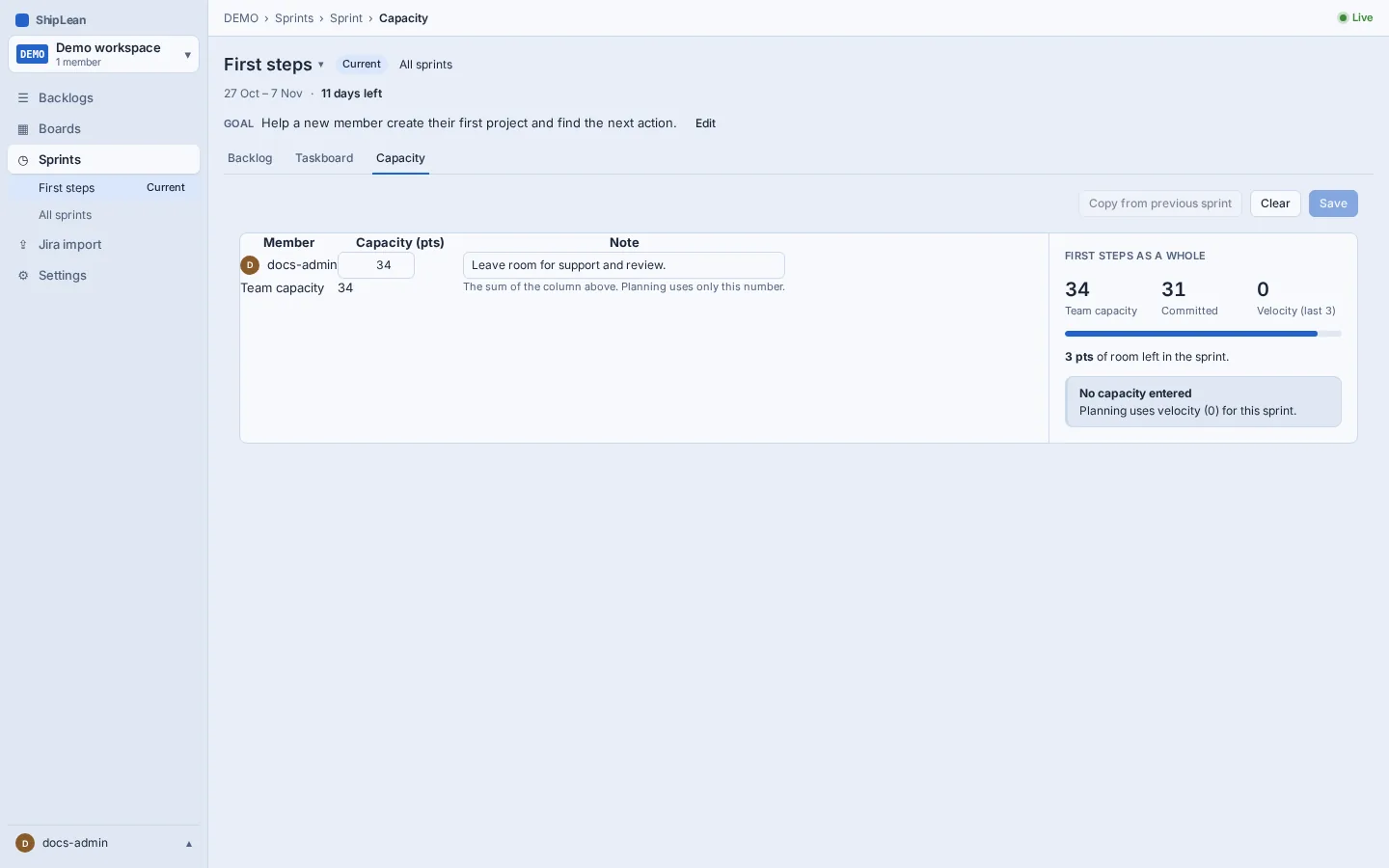
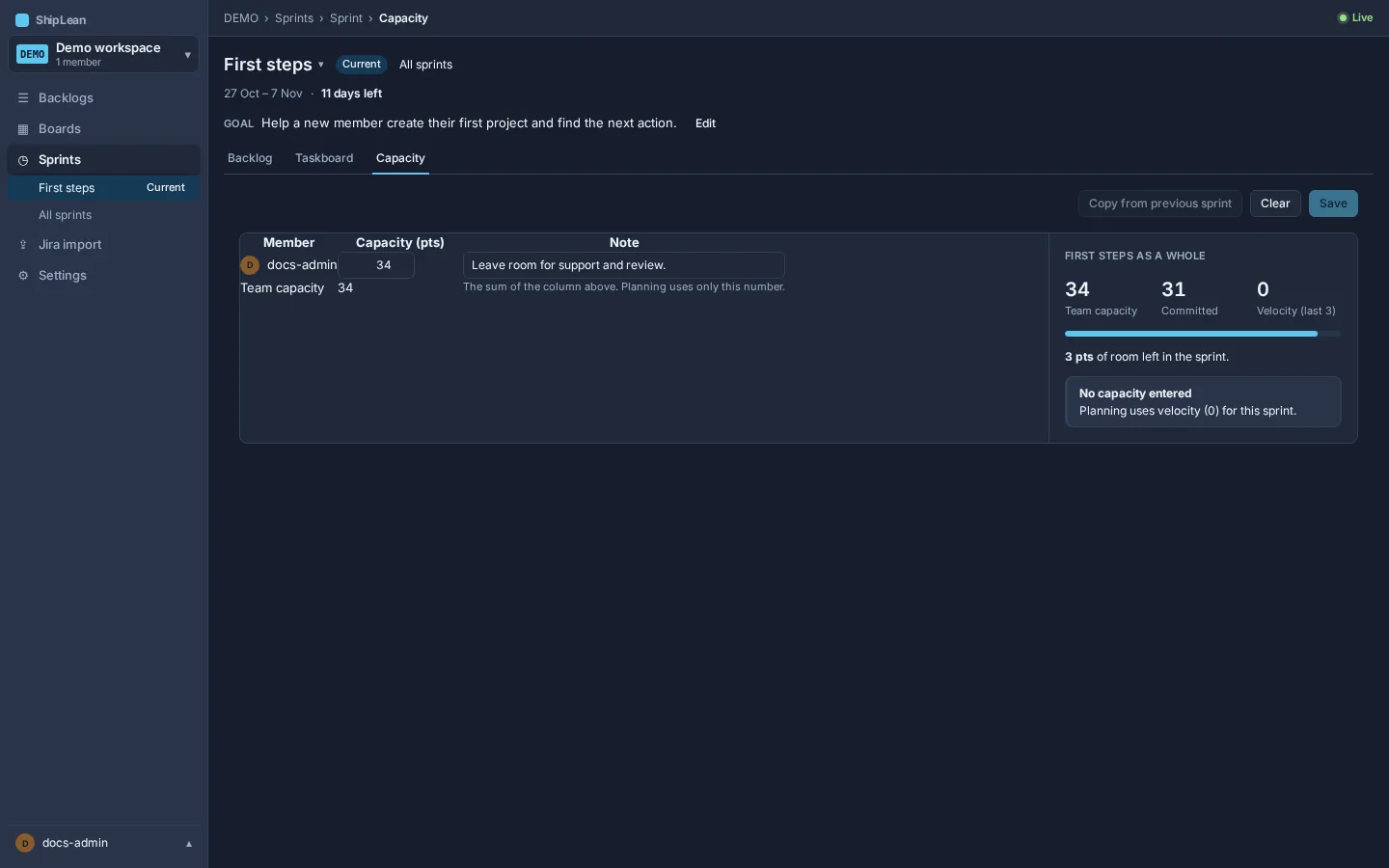
If nobody has entered capacity, ShipLean uses the project’s calculated velocity or velocity override as the forecast. Set the velocity window and optional override in Settings, then Sprints. The window is the number of ended sprints included in the calculated average.
See Sprint planning and capacity for capacity and forecast settings.
Plan work against the forecast
Section titled “Plan work against the forecast”Open Backlogs, then Stories, and switch to Planning. Move Stories between the backlog and sprint sections. Use the forecast to compare committed points with available capacity or velocity. The forecast warns when you plan over the available amount. It does not block the plan.
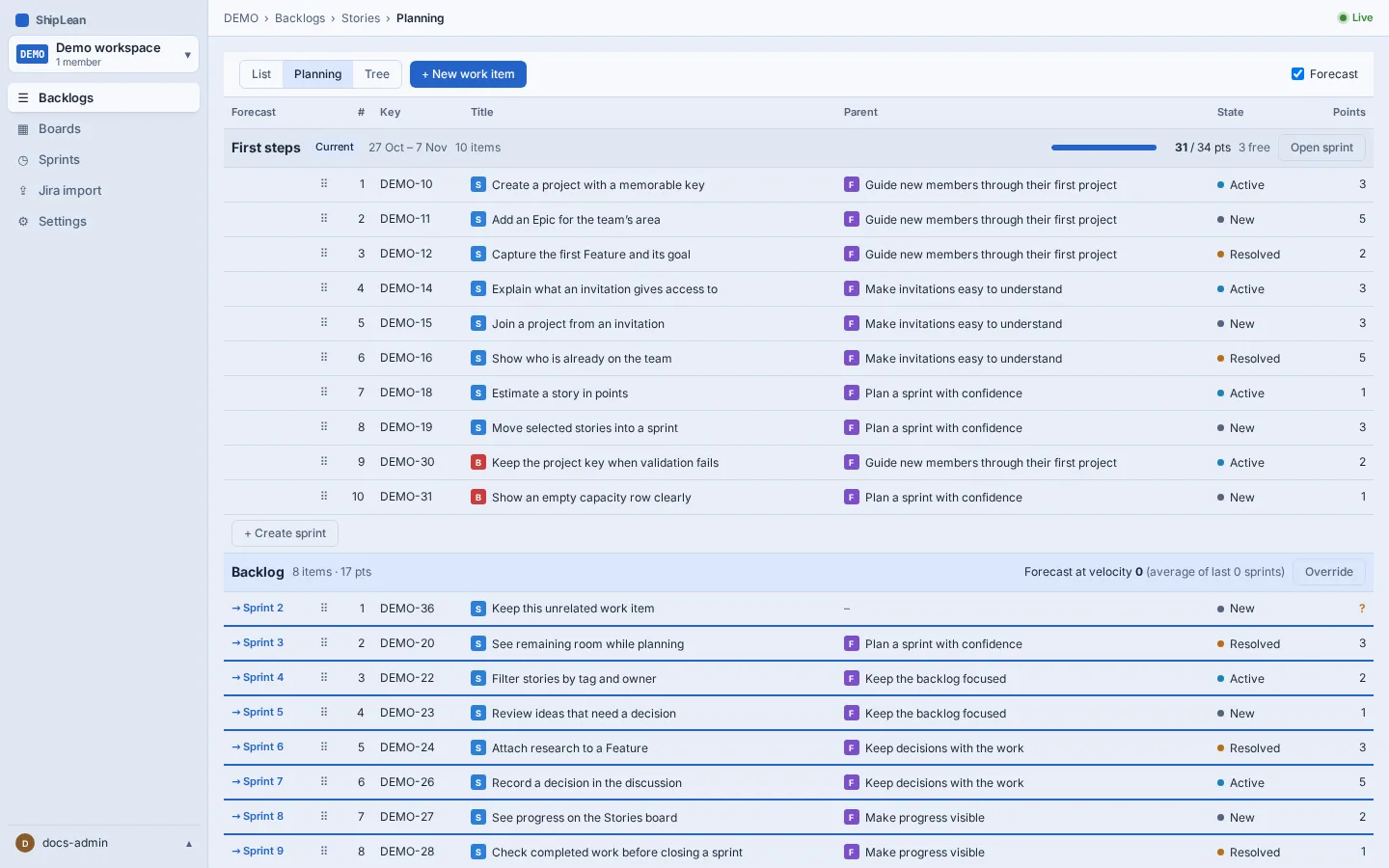
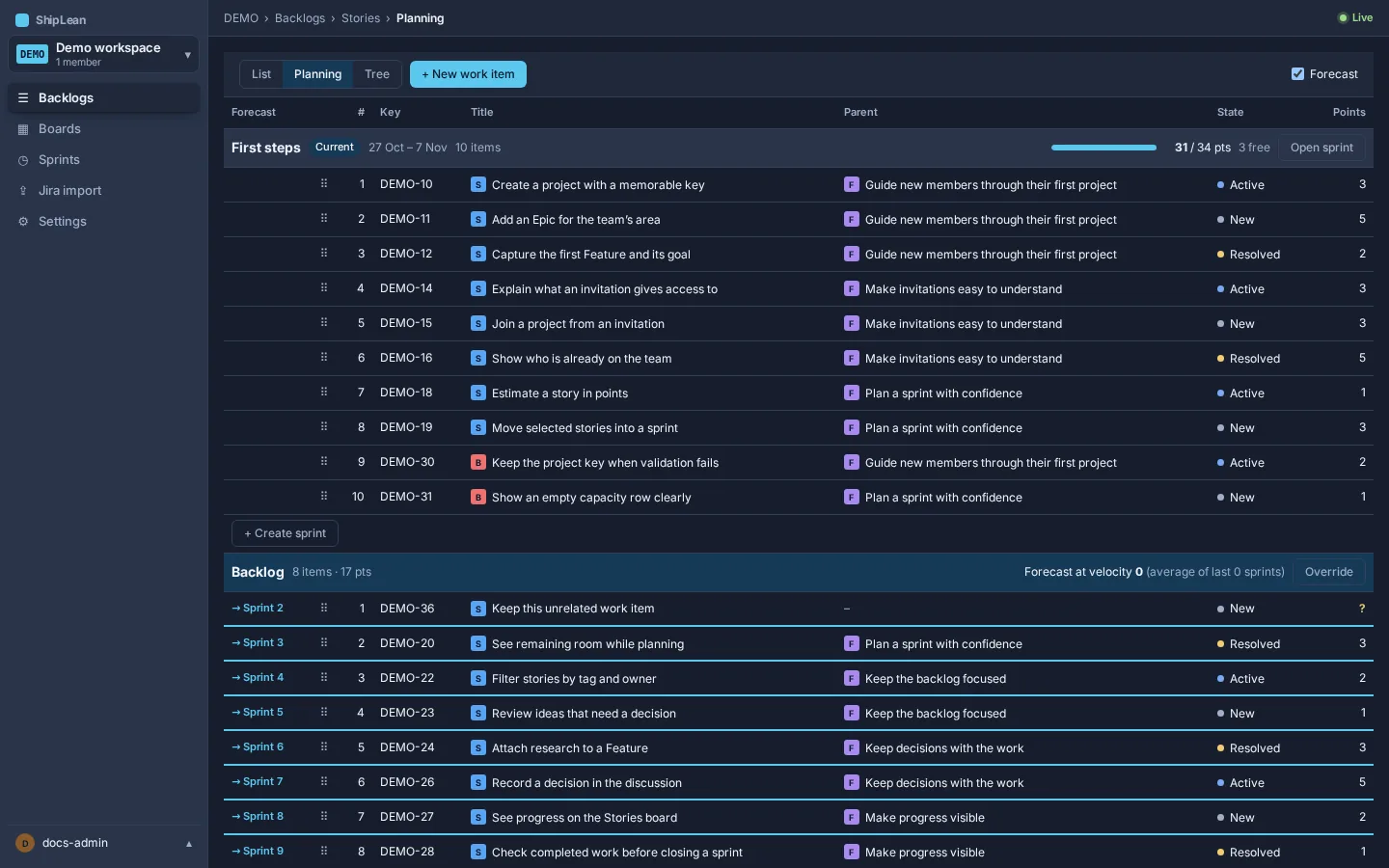
Choose a small set of Stories the team can finish, and keep their estimates current. The sprint backlog shows selected work, progress by state and a burndown.
See the sprint backlog for its progress view.
Track Tasks during the sprint
Section titled “Track Tasks during the sprint”Open the sprint’s Taskboard to track its Tasks. It shows Tasks by parent Story or Bug, or grouped by assignee. Move a Task when its state changes. You can pick up an unassigned Task in a Proposed state from its card.
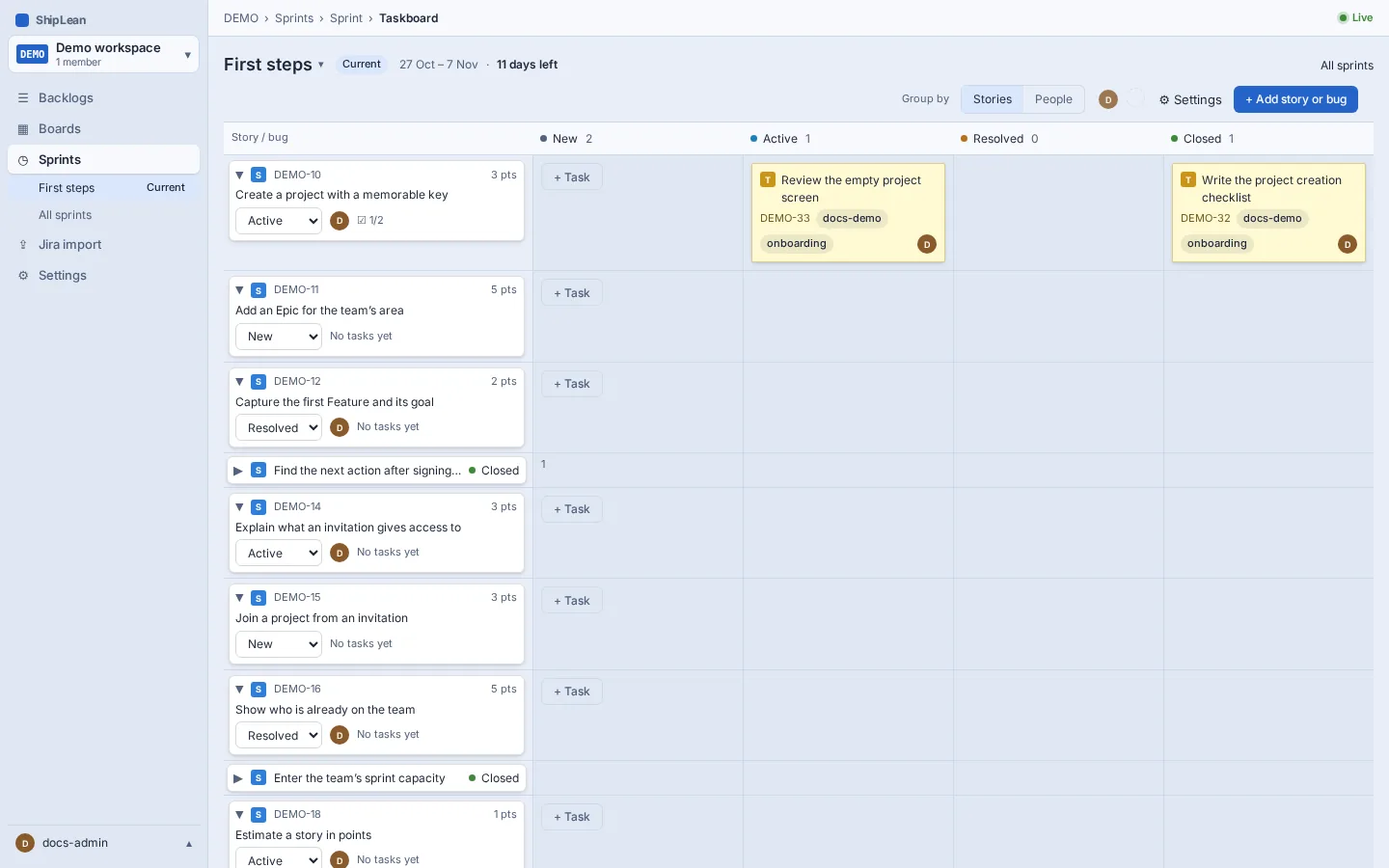
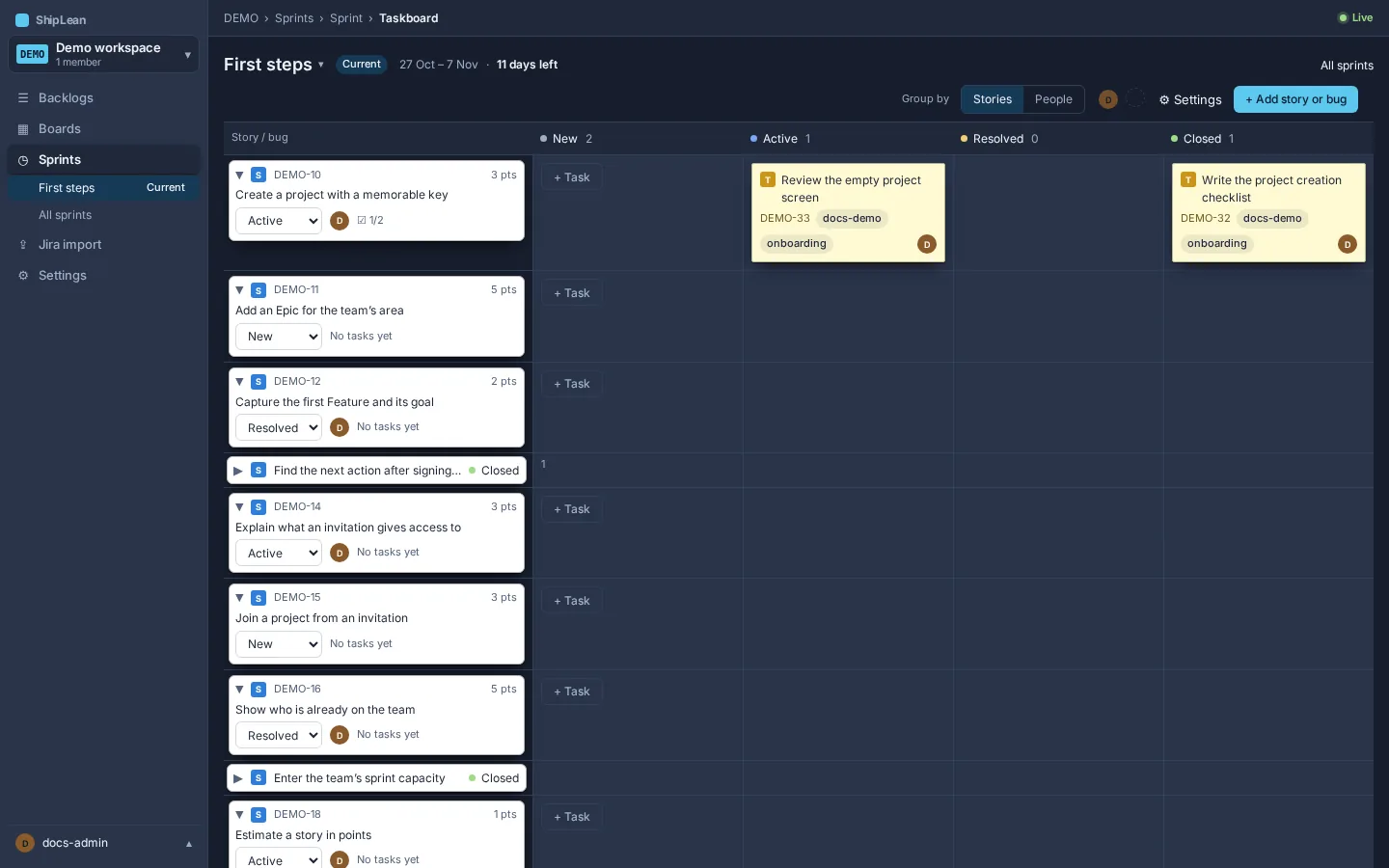
See Taskboard for grouping and keyboard controls.
End the sprint and roll over unfinished work
Section titled “End the sprint and roll over unfinished work”To review a pending rollover, open Sprints, or open Backlogs, then Stories. The review appears there for an ended sprint with unfinished work. It does not appear on the sprint backlog page. Review the unfinished Stories and Bugs. For each one, choose to move it to the next sprint, return it to the backlog, or leave it in the ended sprint. Open Tasks move with the Story or Bug that leaves. Closed Tasks stay in the ended sprint. Review the next sprint’s total against its capacity, then apply the choices.
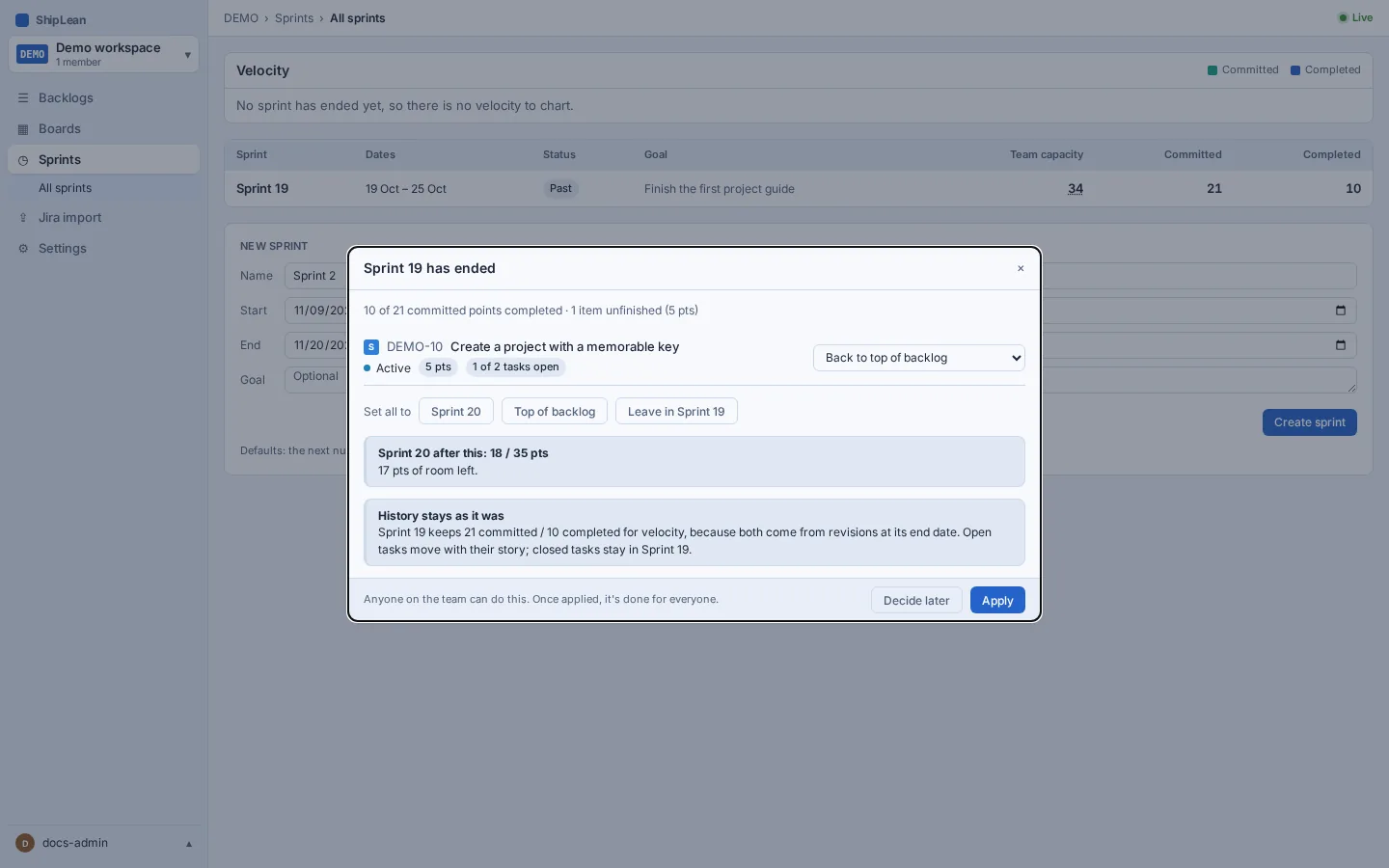
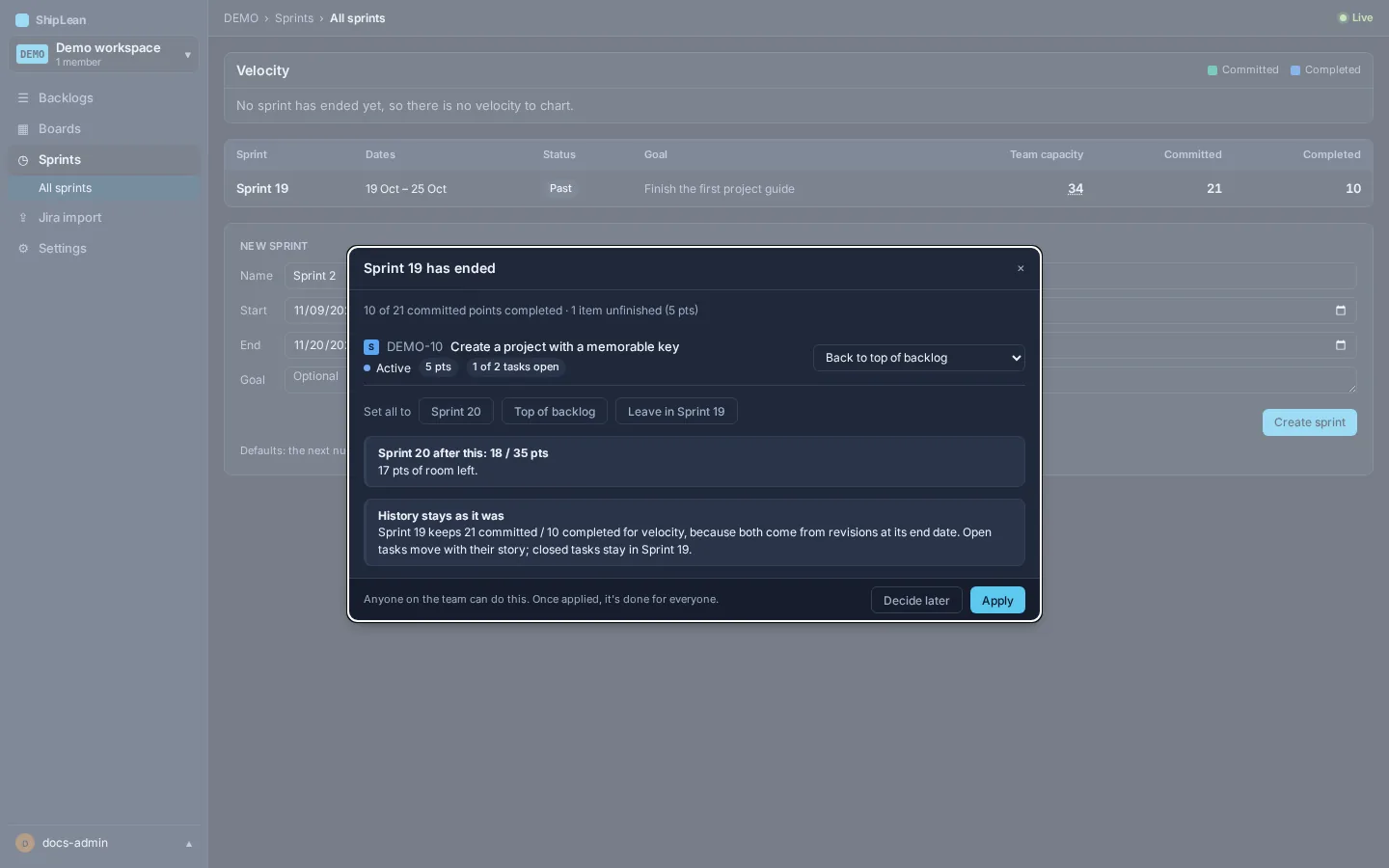
ShipLean keeps the committed and completed points of an ended sprint for velocity. It uses the state of work on the sprint end date. See Sprints for velocity and the sprint backlog for end-of-sprint details.