

Connect Claude Code and capture your first idea
Connect Claude Code to a ShipLean instance, approve the connection in your browser, then ask it to research an idea. The agent can create and update work under its own name. You decide whether it gets access.
Copy your instance address
Section titled “Copy your instance address”Open Your profile and copy the instance address shown there. The address must be the same one you use in the browser.
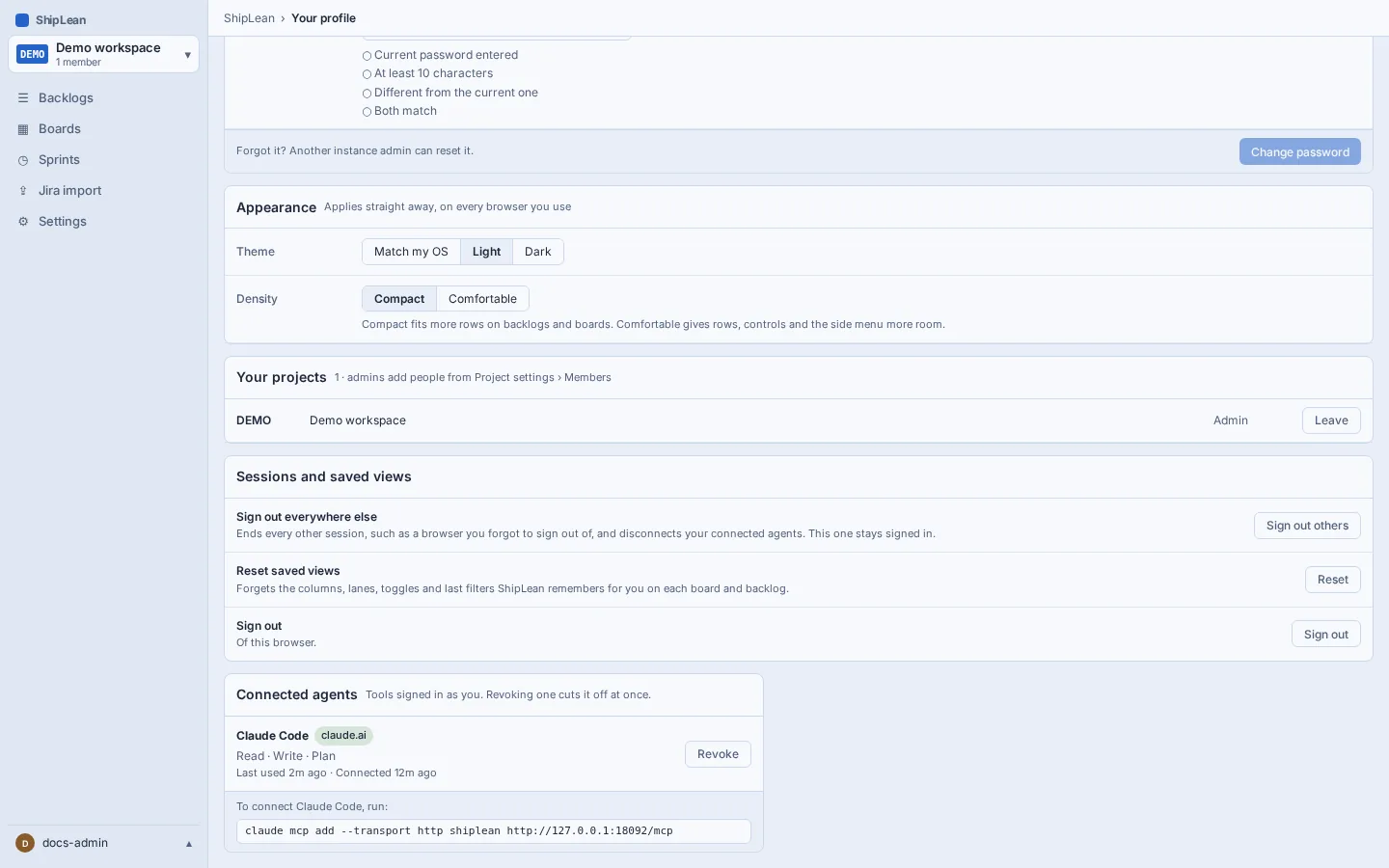
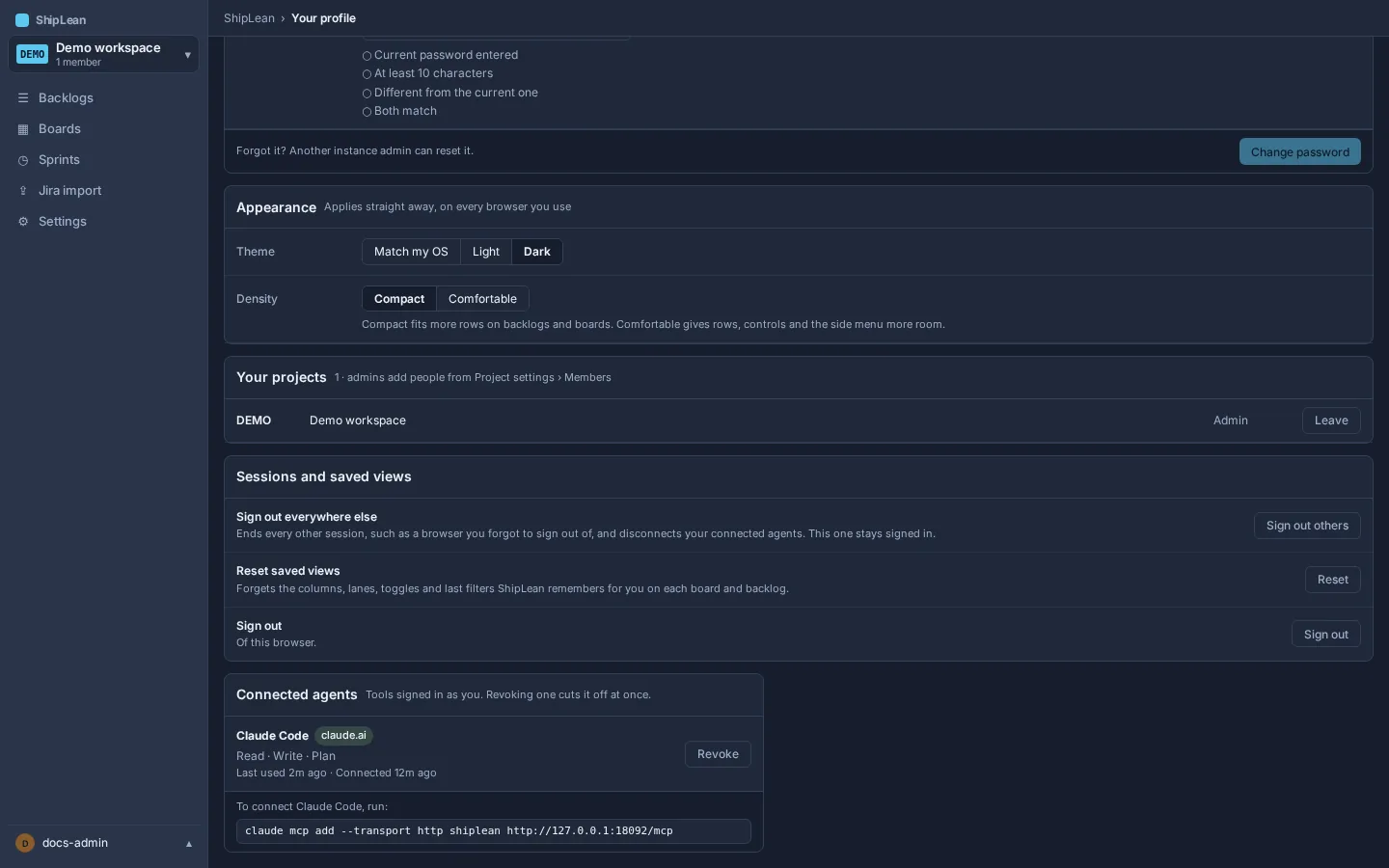
See Your profile for connected-agent details.
Add ShipLean to Claude Code
Section titled “Add ShipLean to Claude Code”In a terminal, replace <base_url> with the address from your profile and run:
claude mcp add --transport http shiplean --scope user <base_url>/mcpFor example, if the address is https://planning.example.com, use https://planning.example.com/mcp. --scope user saves the server for your user account. The command uses the HTTP transport syntax that Claude Code documents. See Anthropic’s Claude Code MCP guide.
Approve the connection
Section titled “Approve the connection”Start Claude Code in a project directory. When it first contacts ShipLean, it opens a browser page for consent. Sign in if asked, review the client name, host and requested scopes, then choose Allow. A first connection requests read and write access. The browser returns you to the agent, which can now use ShipLean tools.
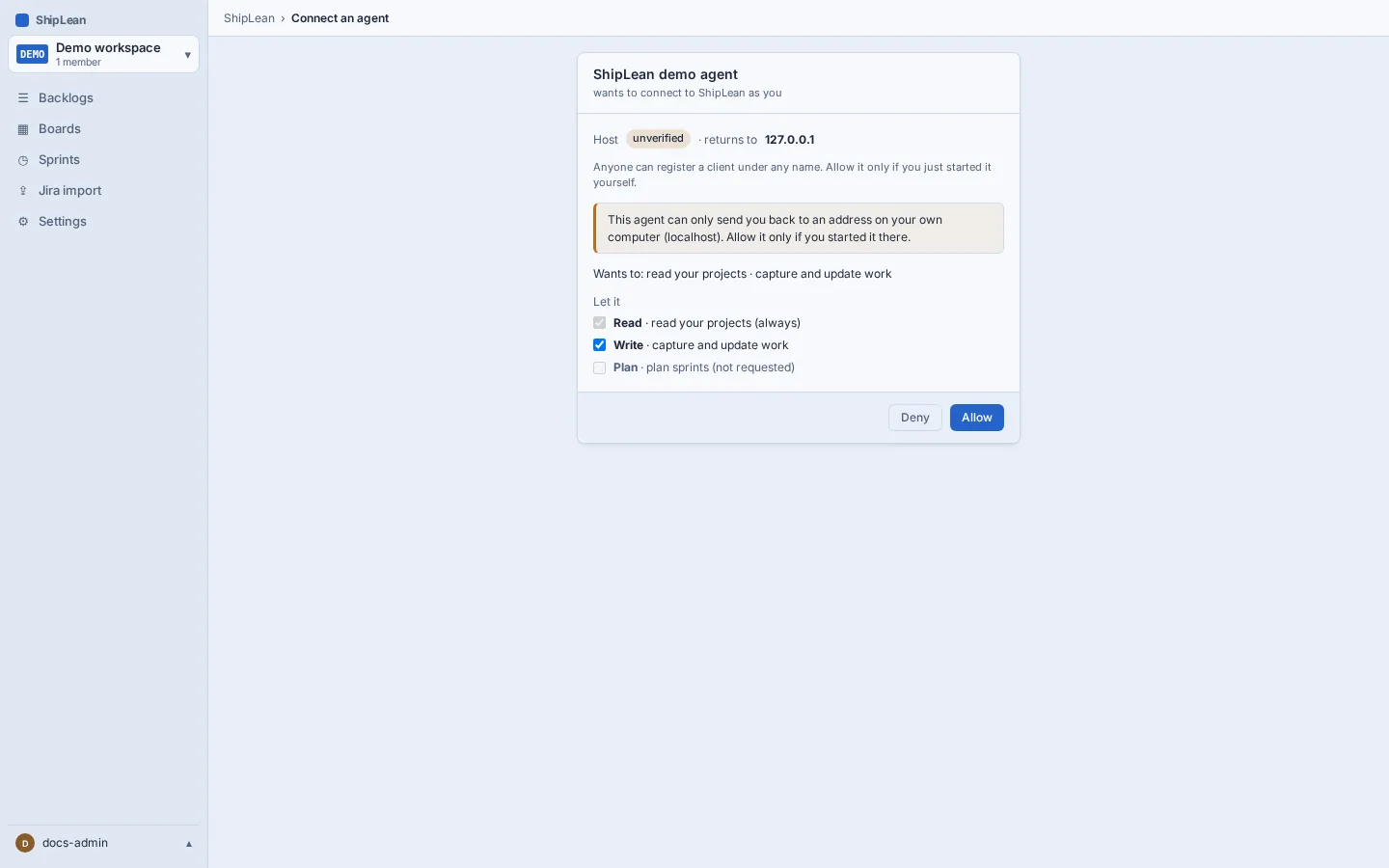
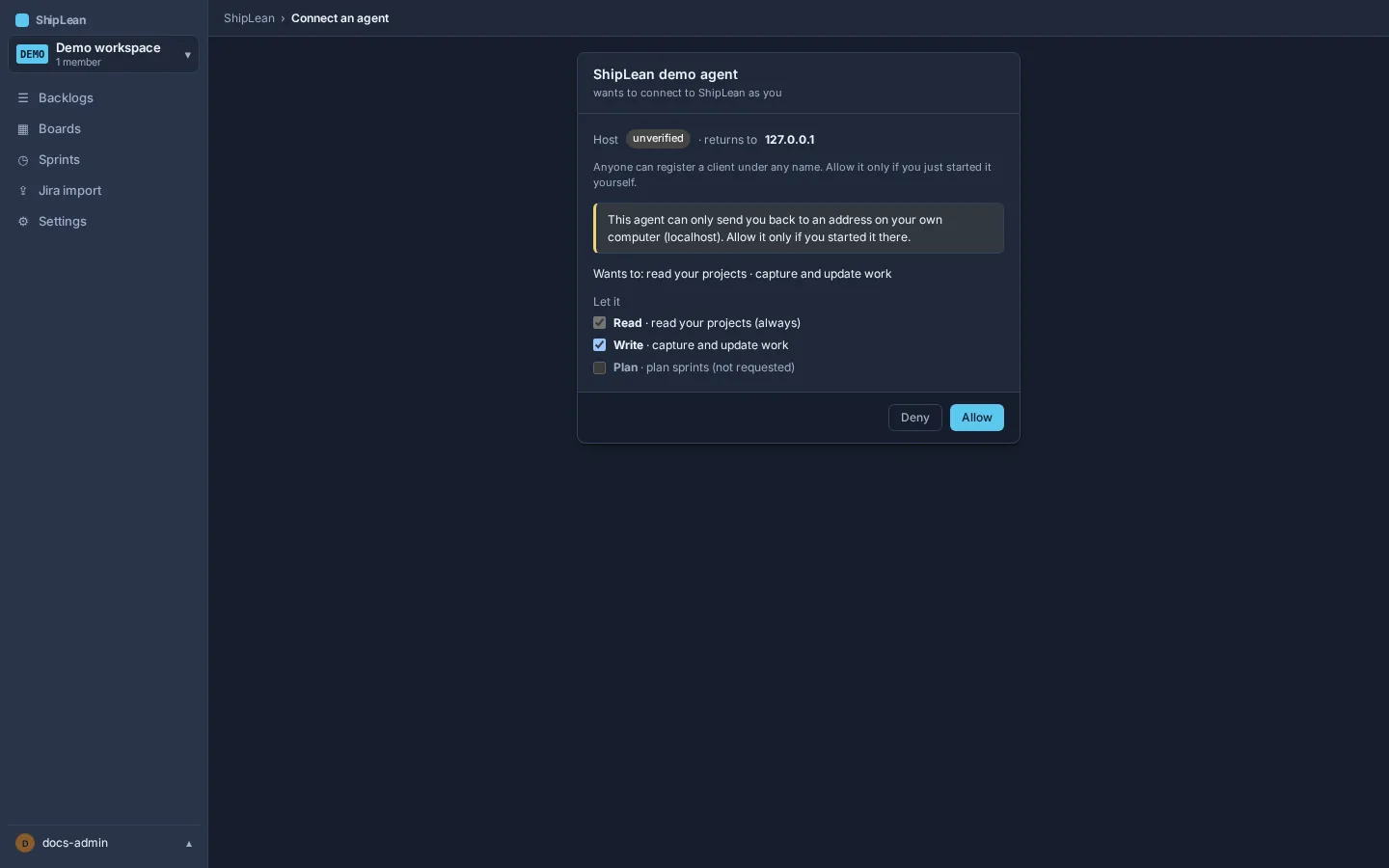
To review or revoke active connections, open Your profile, then Connected agents. See Connect an agent for client setup and Authentication options for scope and consent details.
Ask it to research an idea
Section titled “Ask it to research an idea”Give Claude a concrete idea and ask it to capture and research that idea in ShipLean. For example:
Illustrative prompt: Research whether new team members can find the right project after they sign in. Search for an existing Feature first. If none fits, create one in the appropriate project. Read existing notes, attach your findings and sources, update the Feature with the key facts and decision, then leave a comment and status update. Ask me before changing anything outside that research task.
The text above is an example prompt. It is not a transcript, and it does not promise a particular response from the agent. Claude should reuse an existing Feature when one fits. Otherwise, it creates a Feature in the New state. Then it attaches the findings and updates the work item discussion and status.
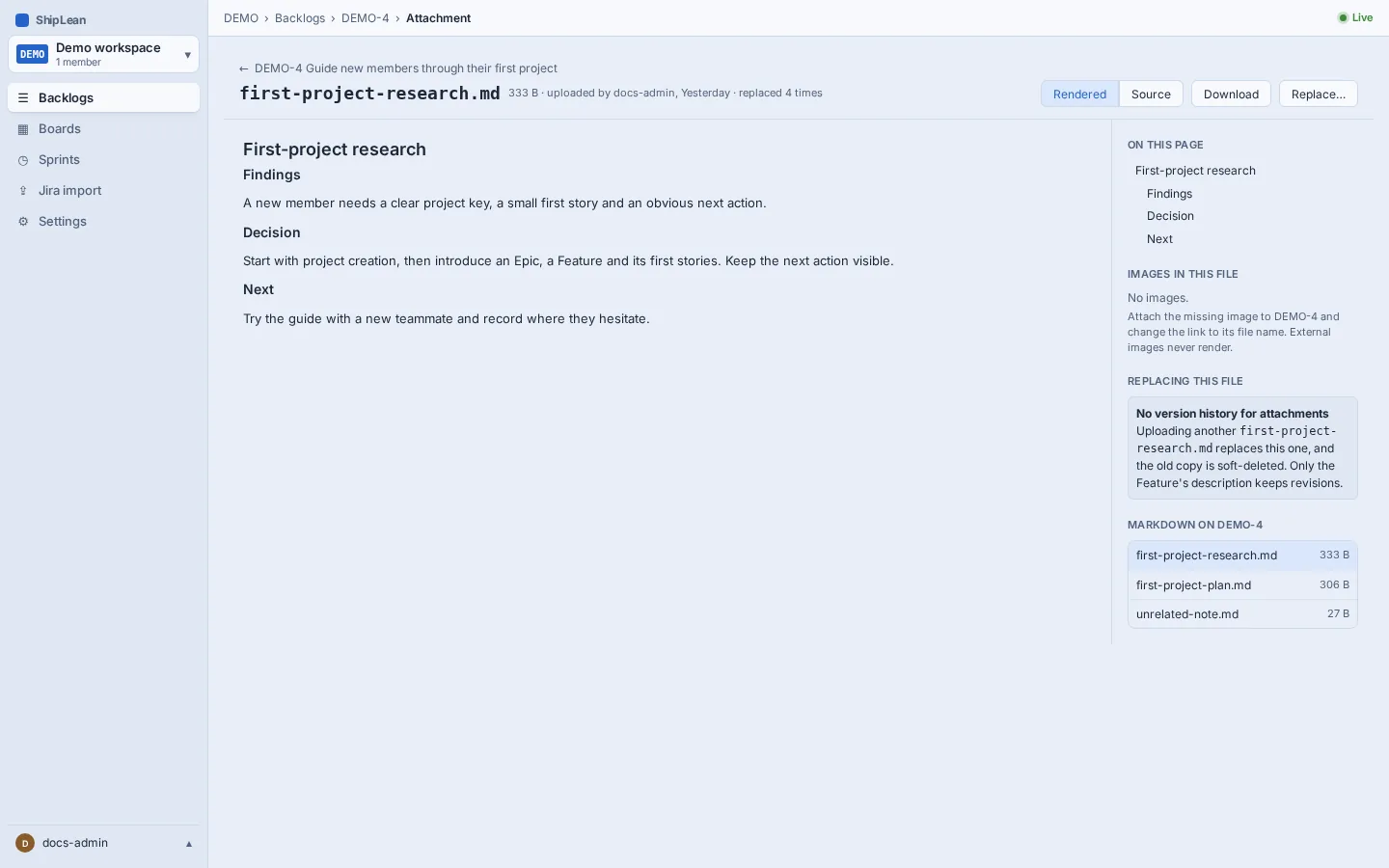
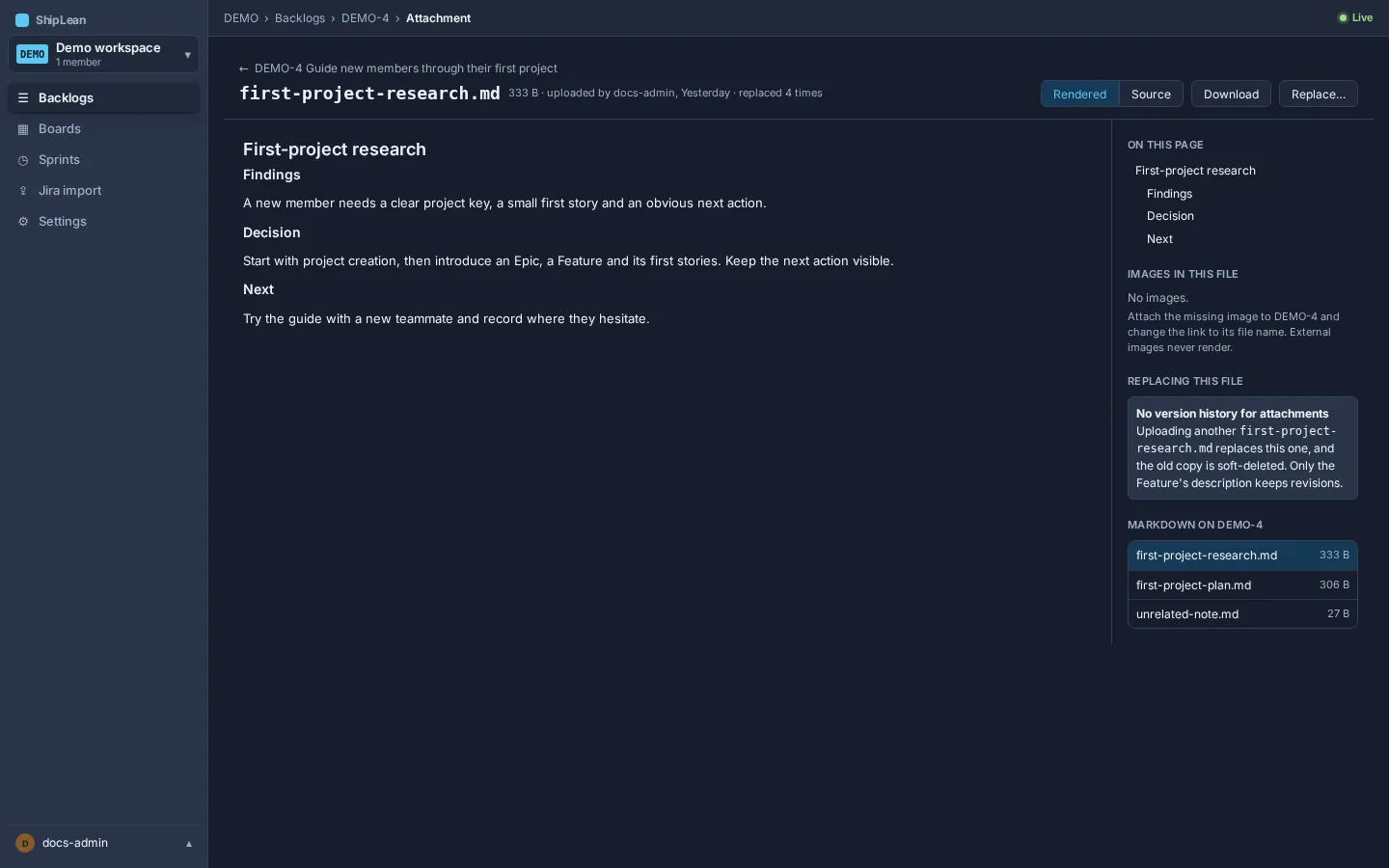
Open the Feature to review its body, attachments, links and discussion. The agent’s writes appear under its client name. See Features and Example prompts.