

Sprints
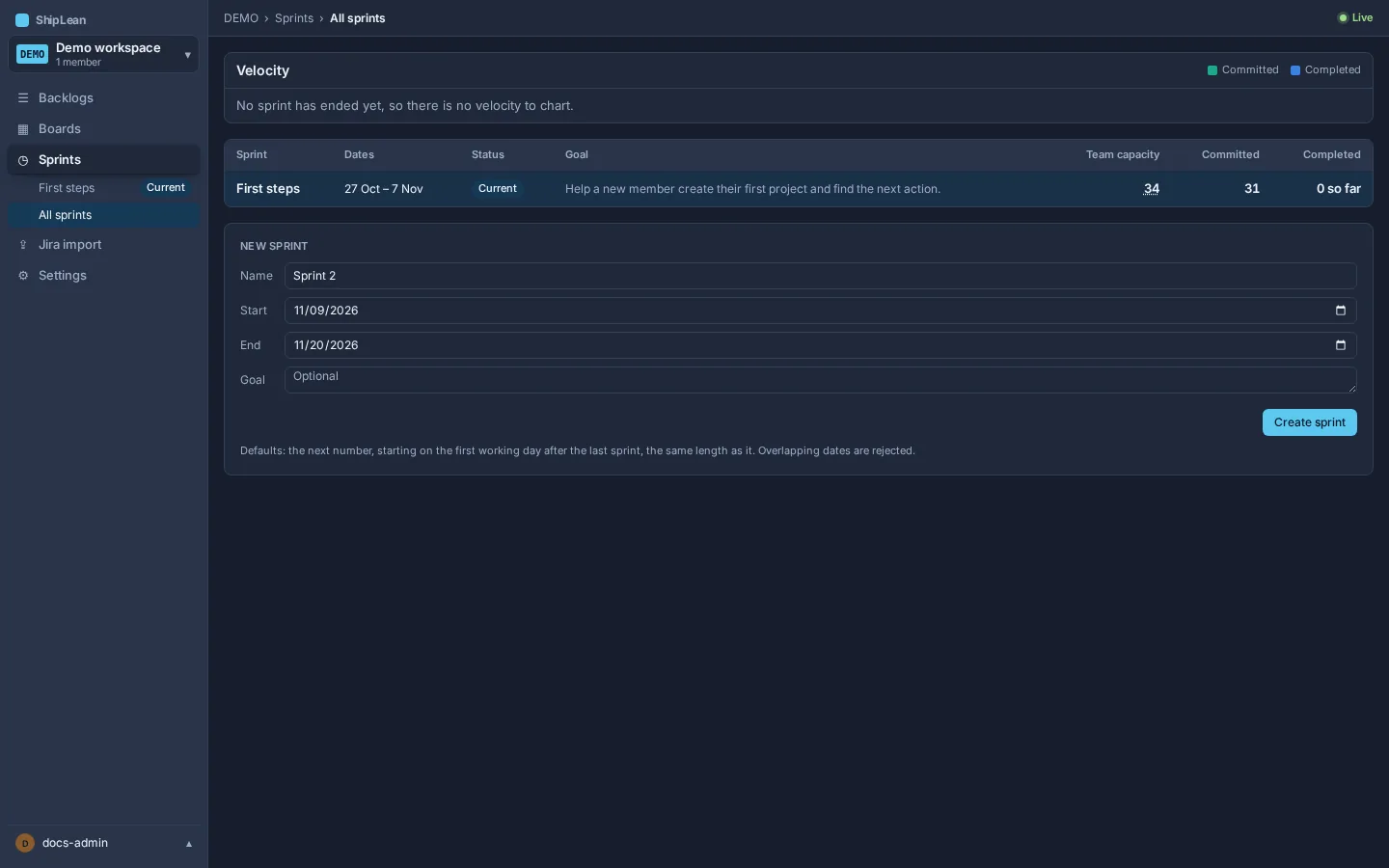
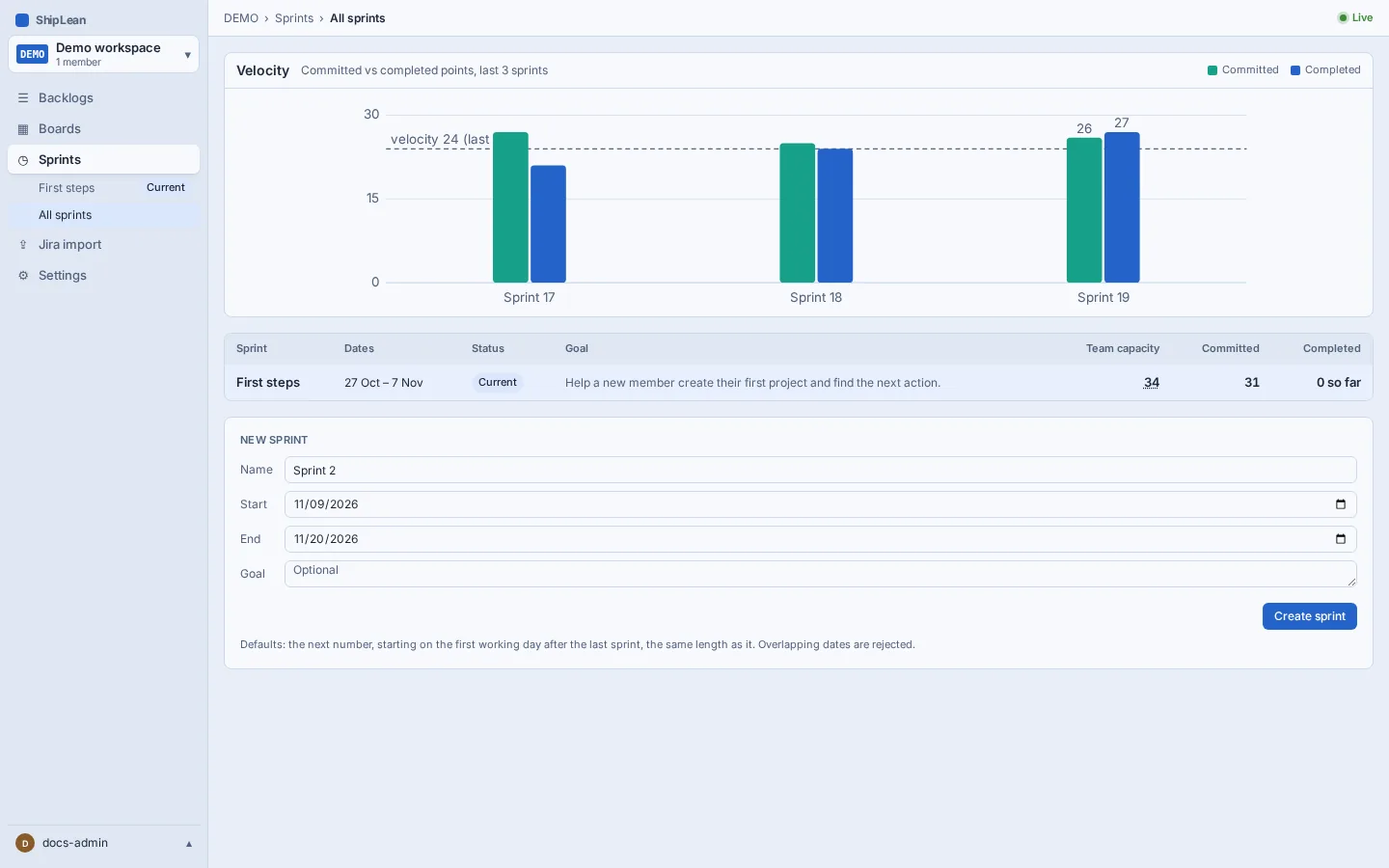
Use All sprints to review past, current, and future sprints, compare committed and completed points, and create the next sprint.
The address is /p/:key/sprints, where :key is your project key.
Overview
Section titled “Overview”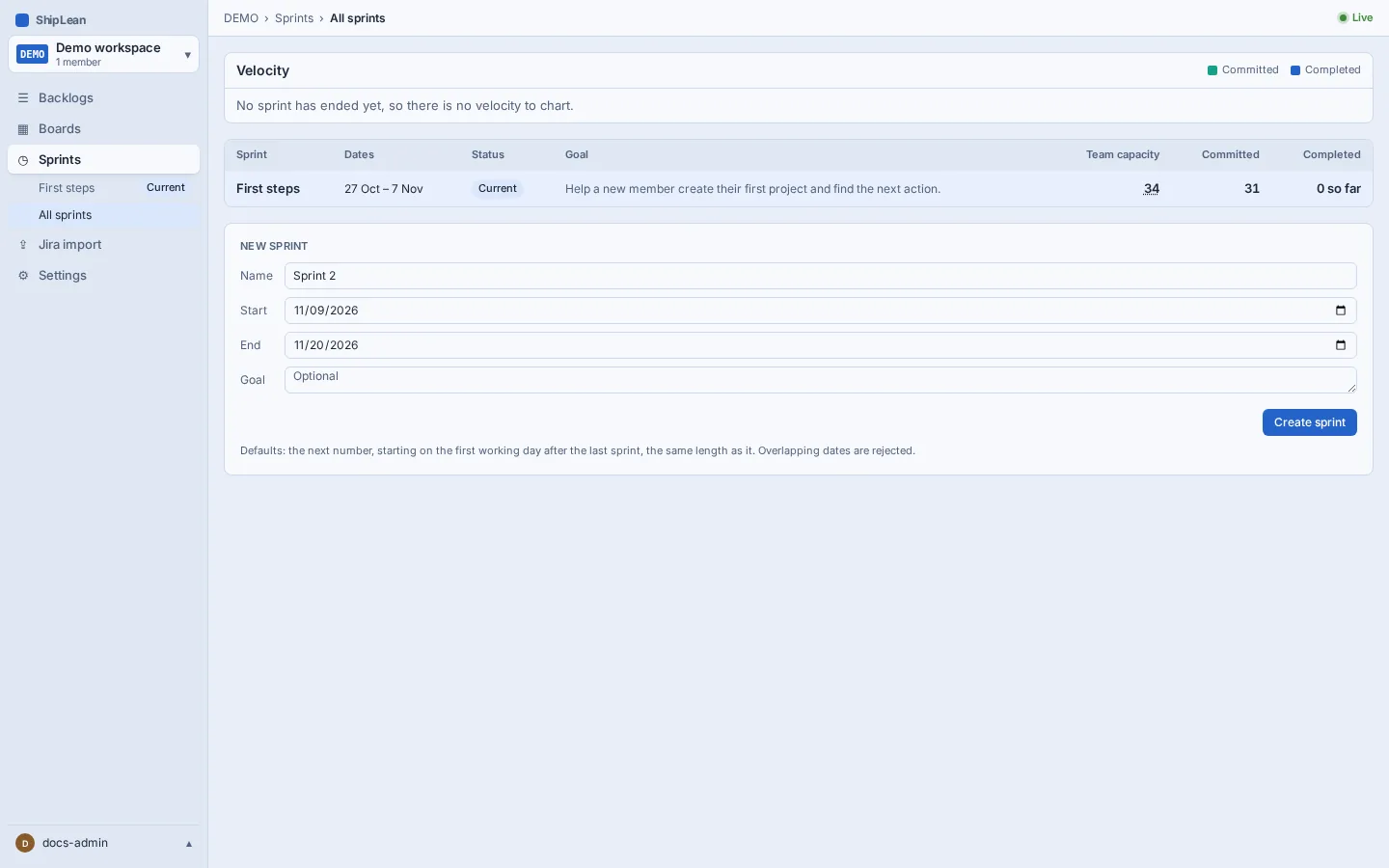
Create a sprint
Section titled “Create a sprint”- Open Sprints from the project menu.
- In New sprint, enter a name, start and end dates, and an optional goal.
- Select Create sprint. ShipLean rejects a sprint whose dates overlap another sprint.
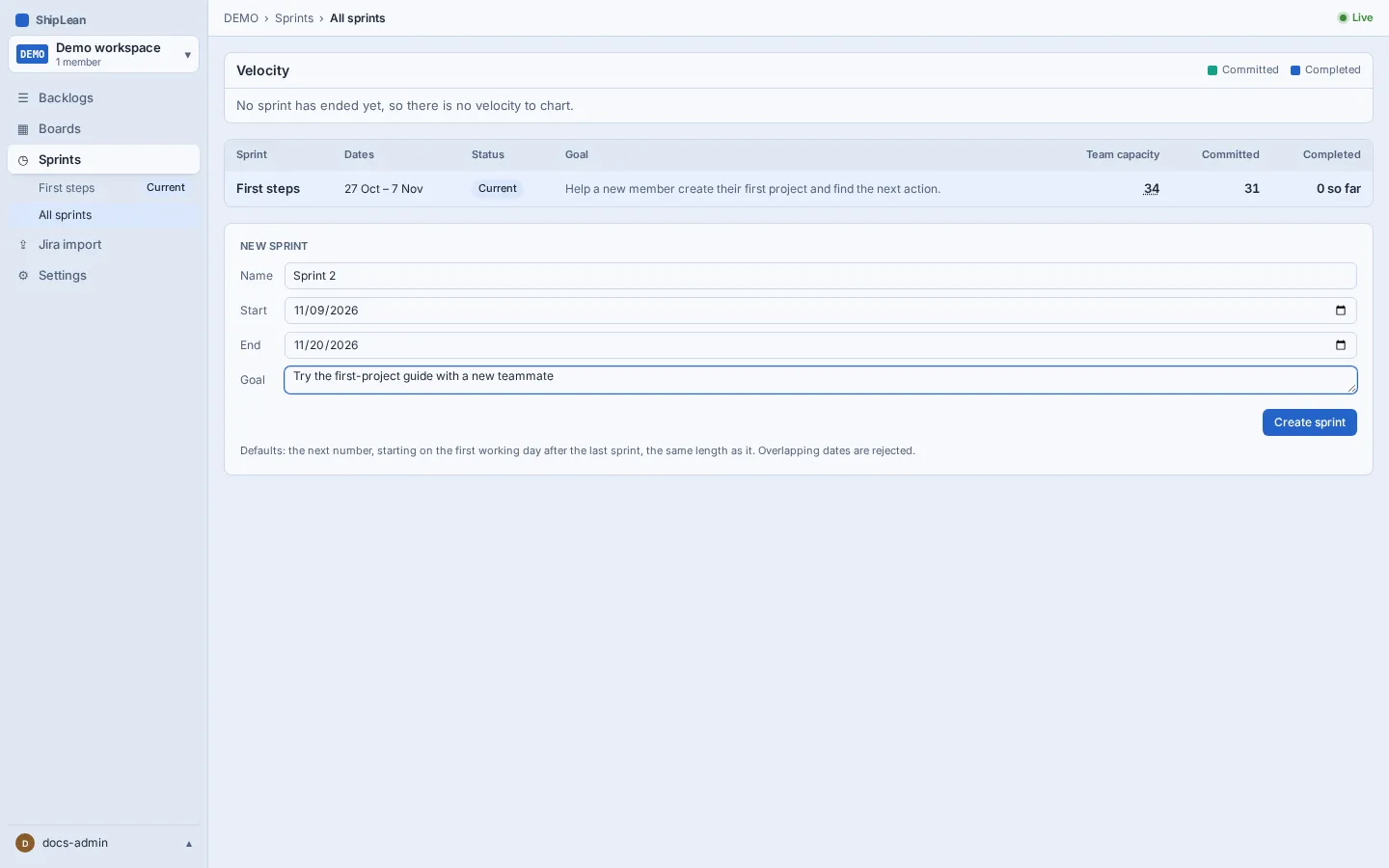
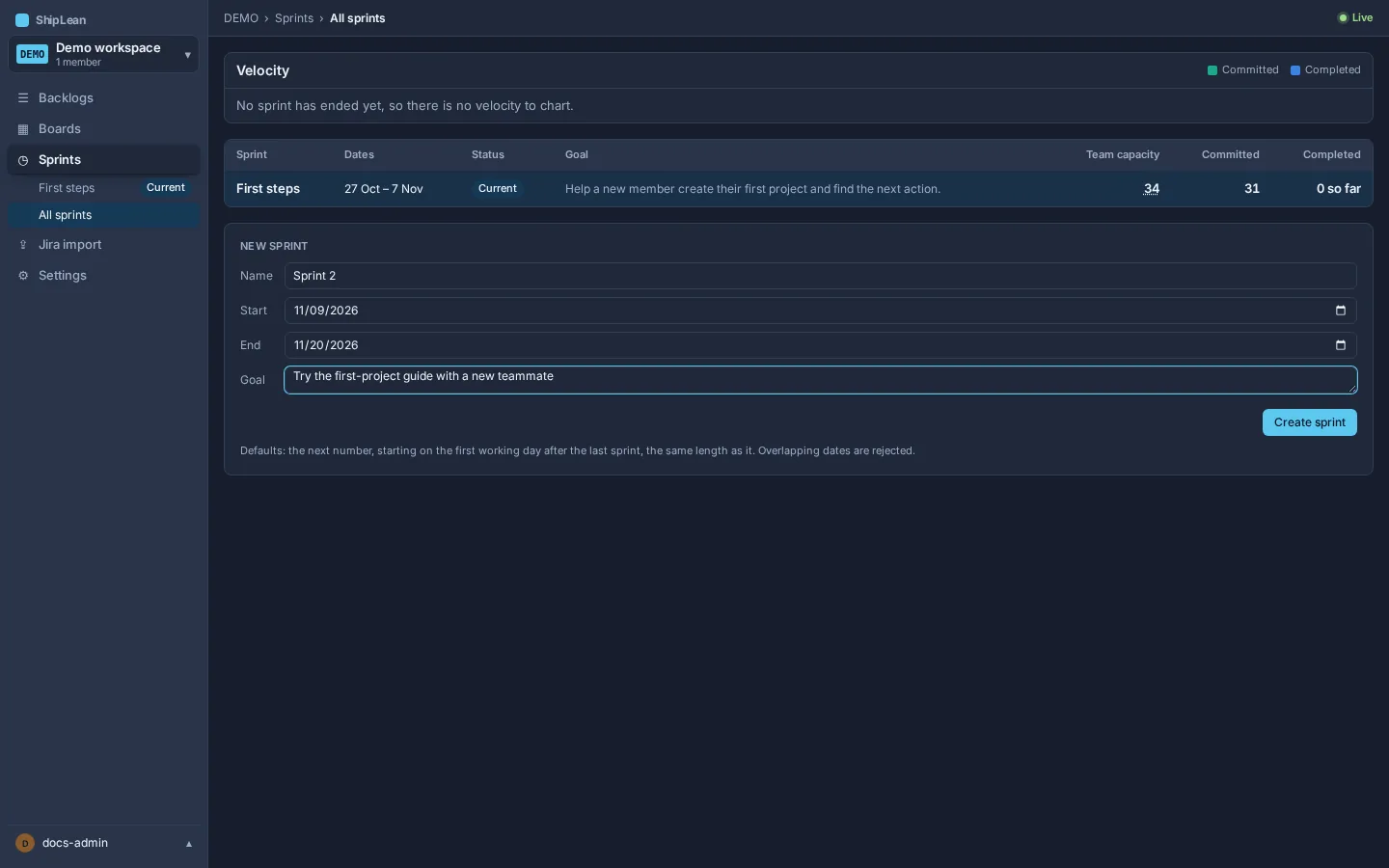
By default, the next sprint starts on the first working day after the last sprint and uses the same length. Change the dates here for a one-off sprint. Set the project’s regular working days in Settings, then General.
Review sprint progress and velocity
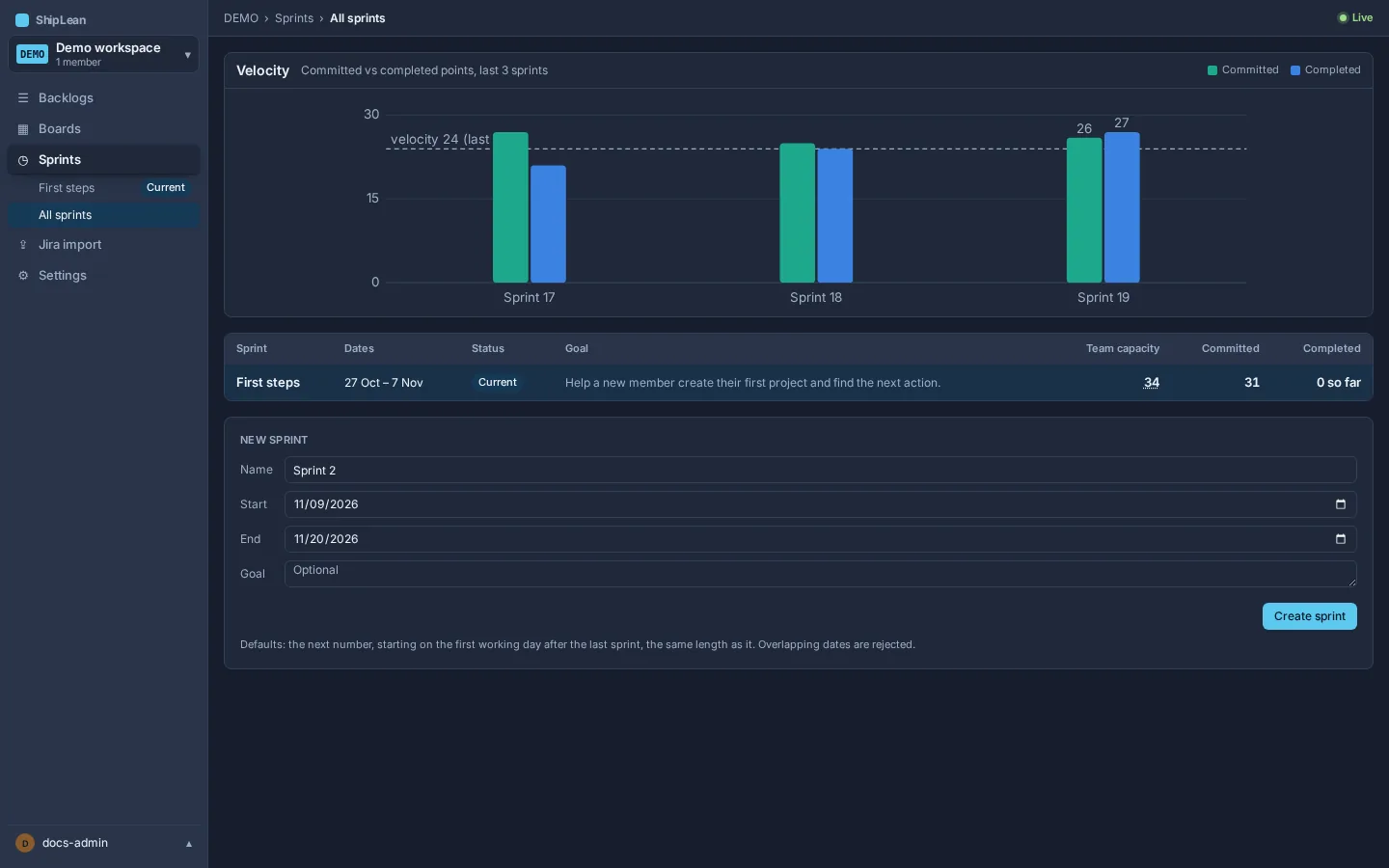
Section titled “Review sprint progress and velocity”The sprint list shows dates, status, goal, team capacity, committed points, and completed points. The Velocity chart compares committed and completed points for ended sprints. The project’s velocity window controls how many ended sprints are averaged for planning.
Open a sprint from its row, then choose Capacity in the sprint navigation to enter each member’s capacity in points.