

New project
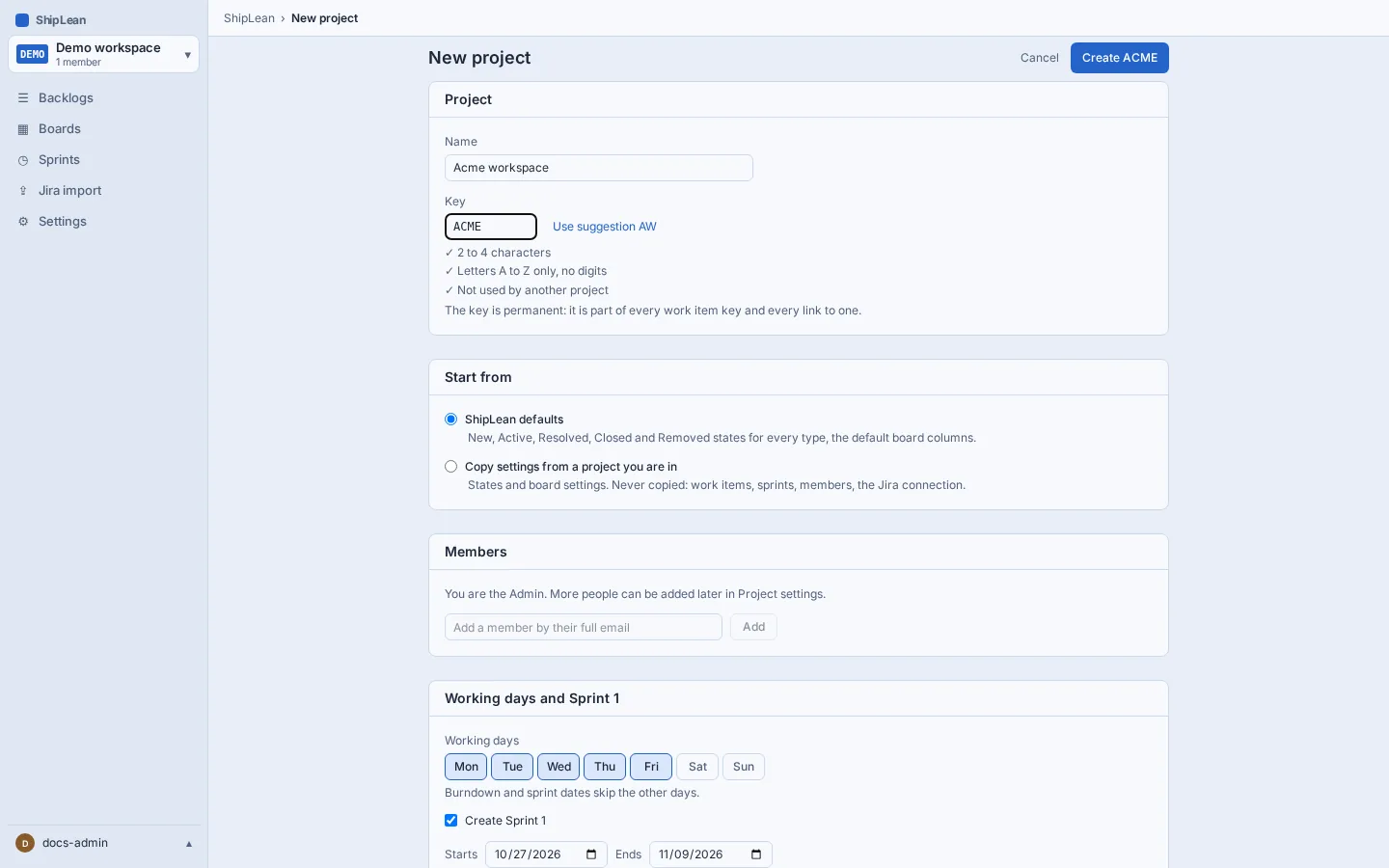
Create a project to hold its backlog and boards. Its key becomes part of every work item key and link, so choose it carefully.
The address is /projects/new.
Overview
Section titled “Overview”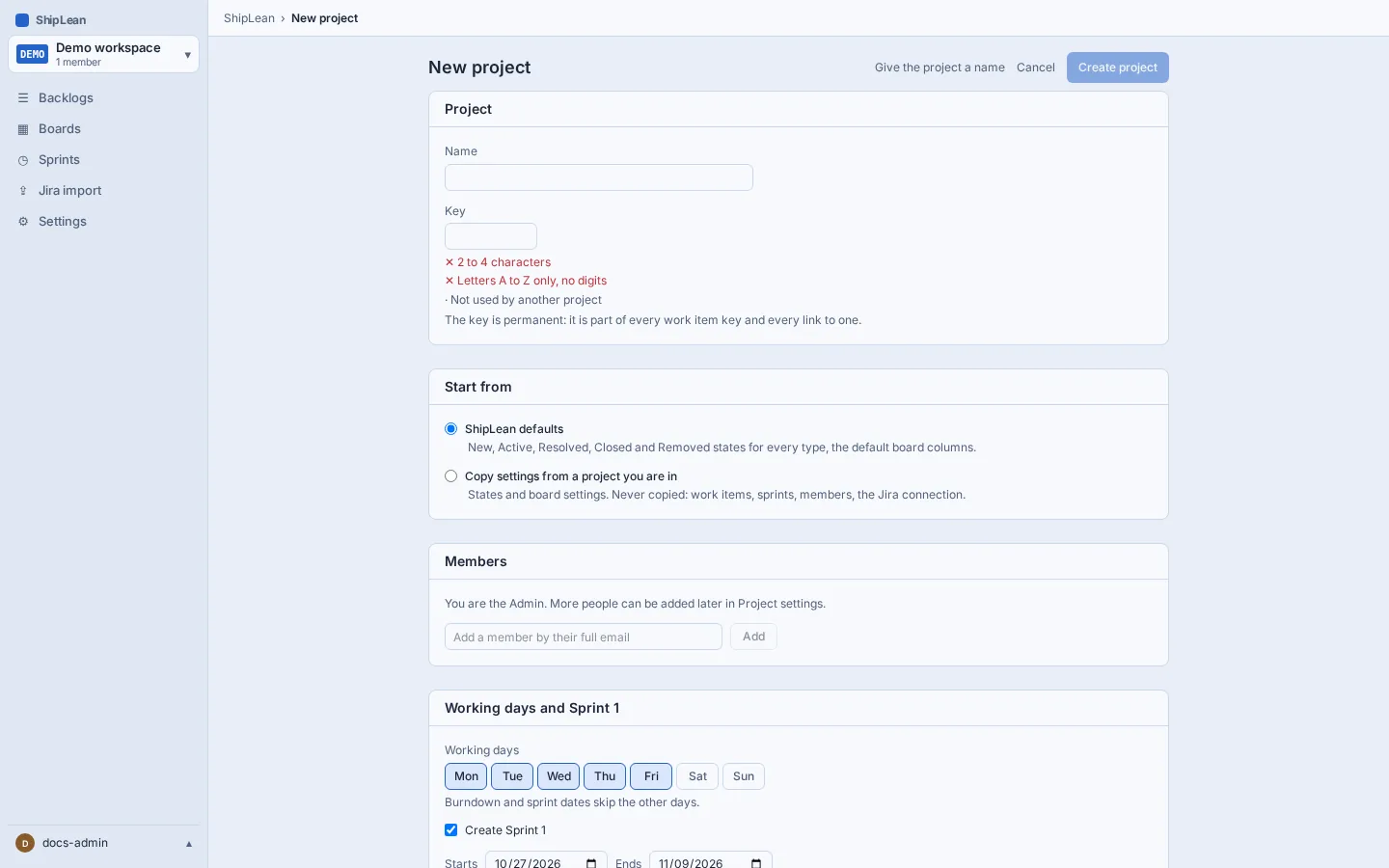
Create a project
Section titled “Create a project”- Open the project picker and choose New project, or open
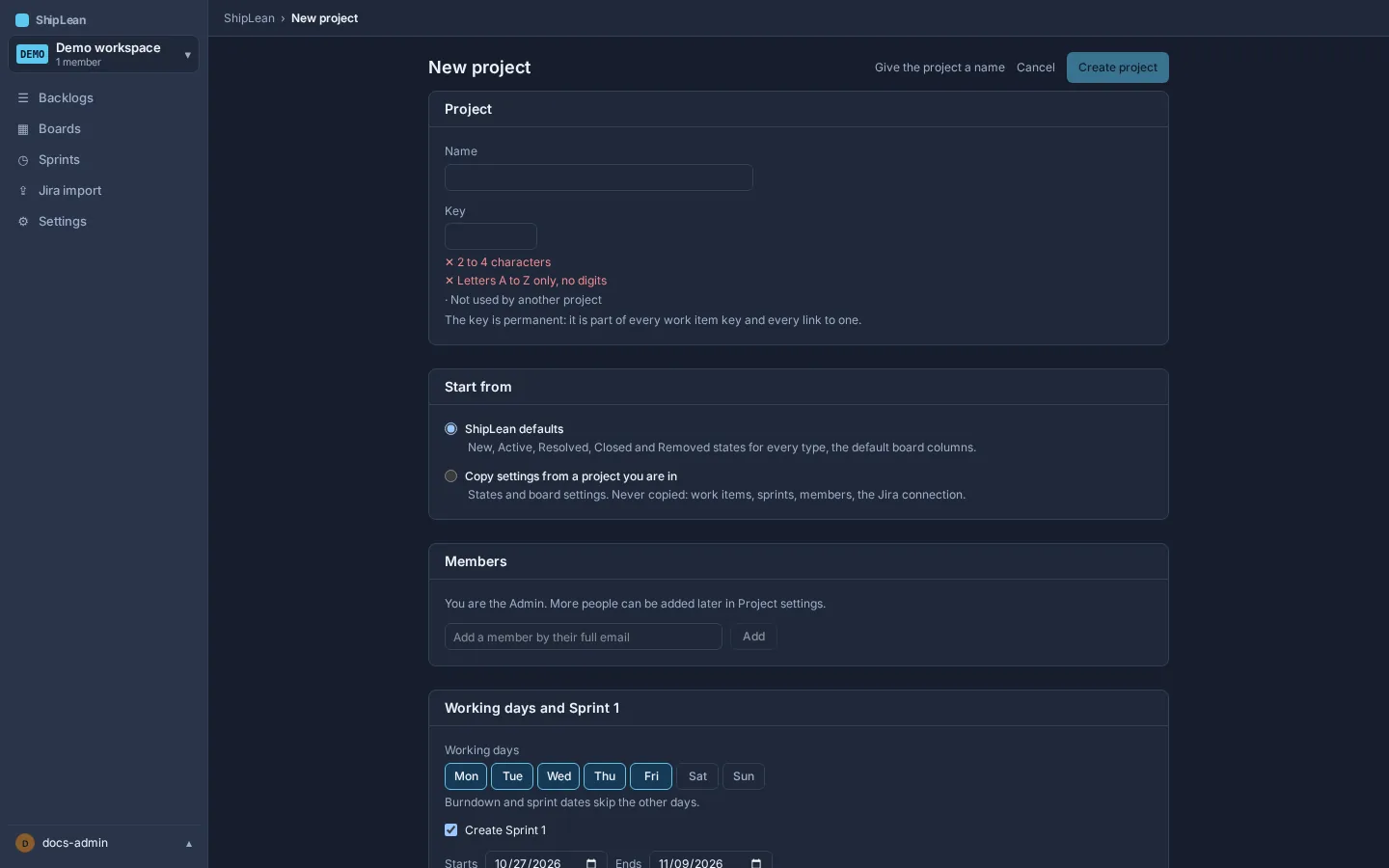
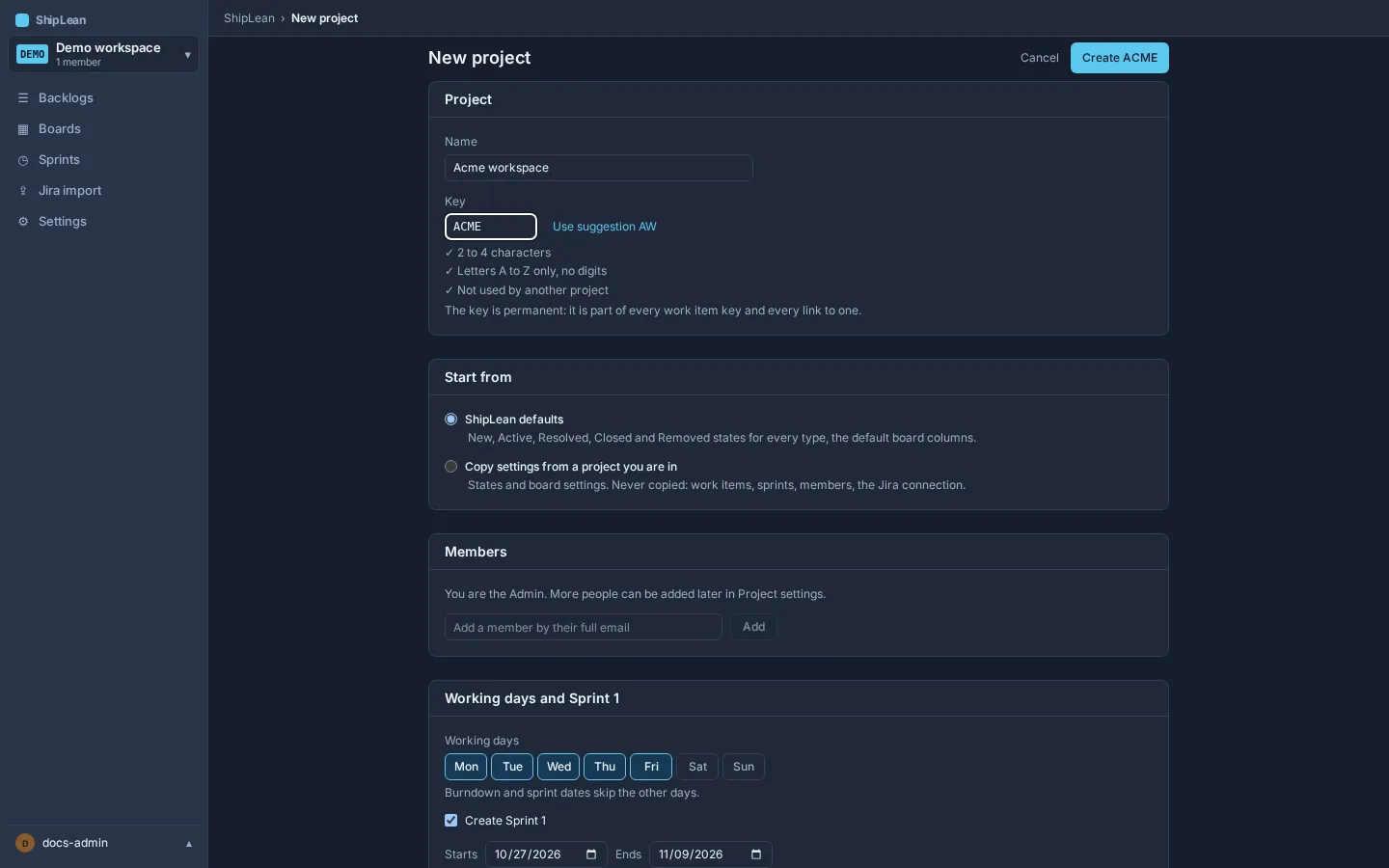
/projects/new. - Enter a project name. ShipLean suggests a short key and checks that it has the required length, contains only letters, and is available.
- Keep the suggested key or enter another available key. If it is taken, choose one of the suggested alternatives.
- Optionally add project members by their full email address.
- Choose whether to start with the defaults, copy settings from an existing project, and whether to create a first sprint. If you create a sprint, set its dates.
- Select Create project.
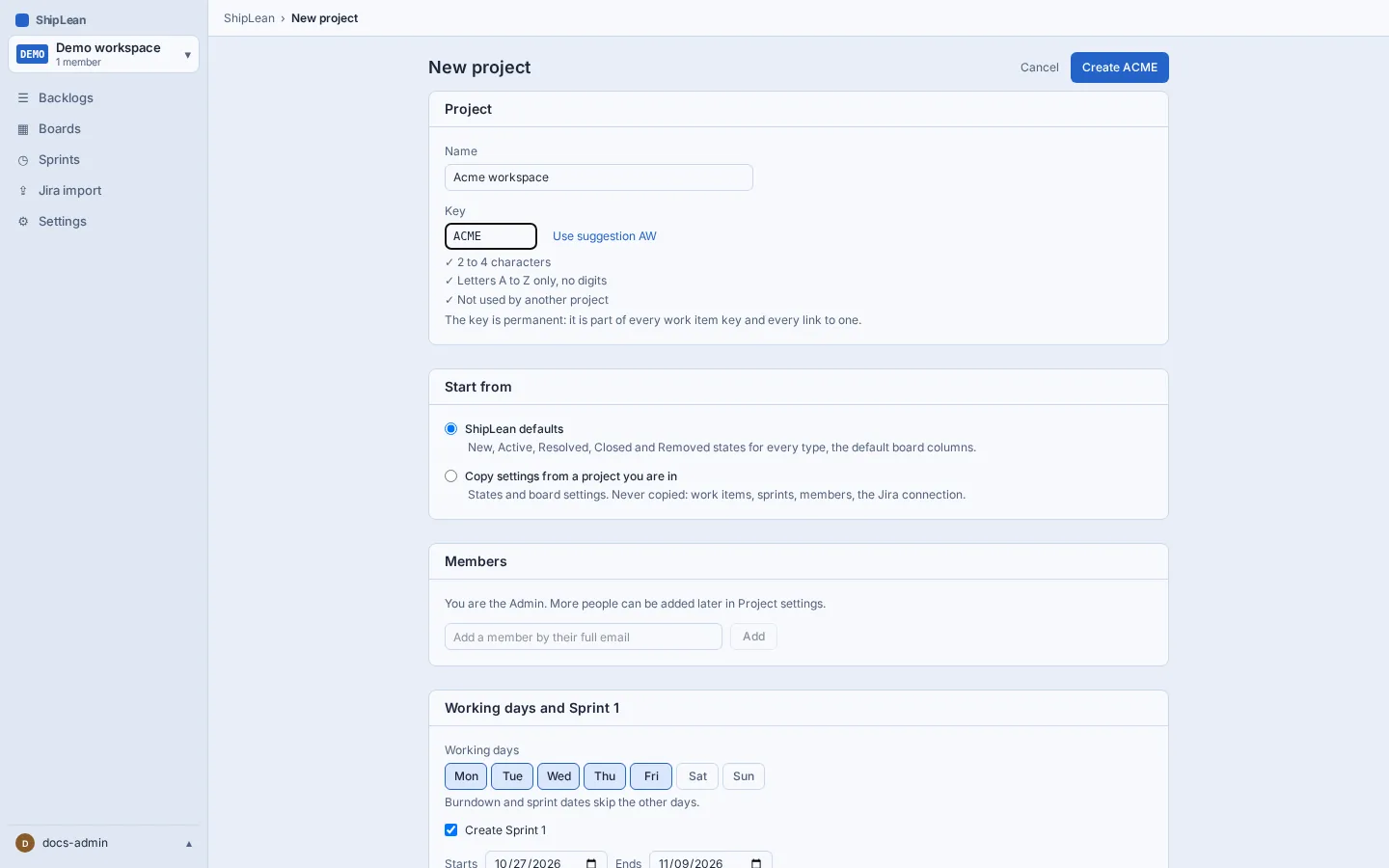
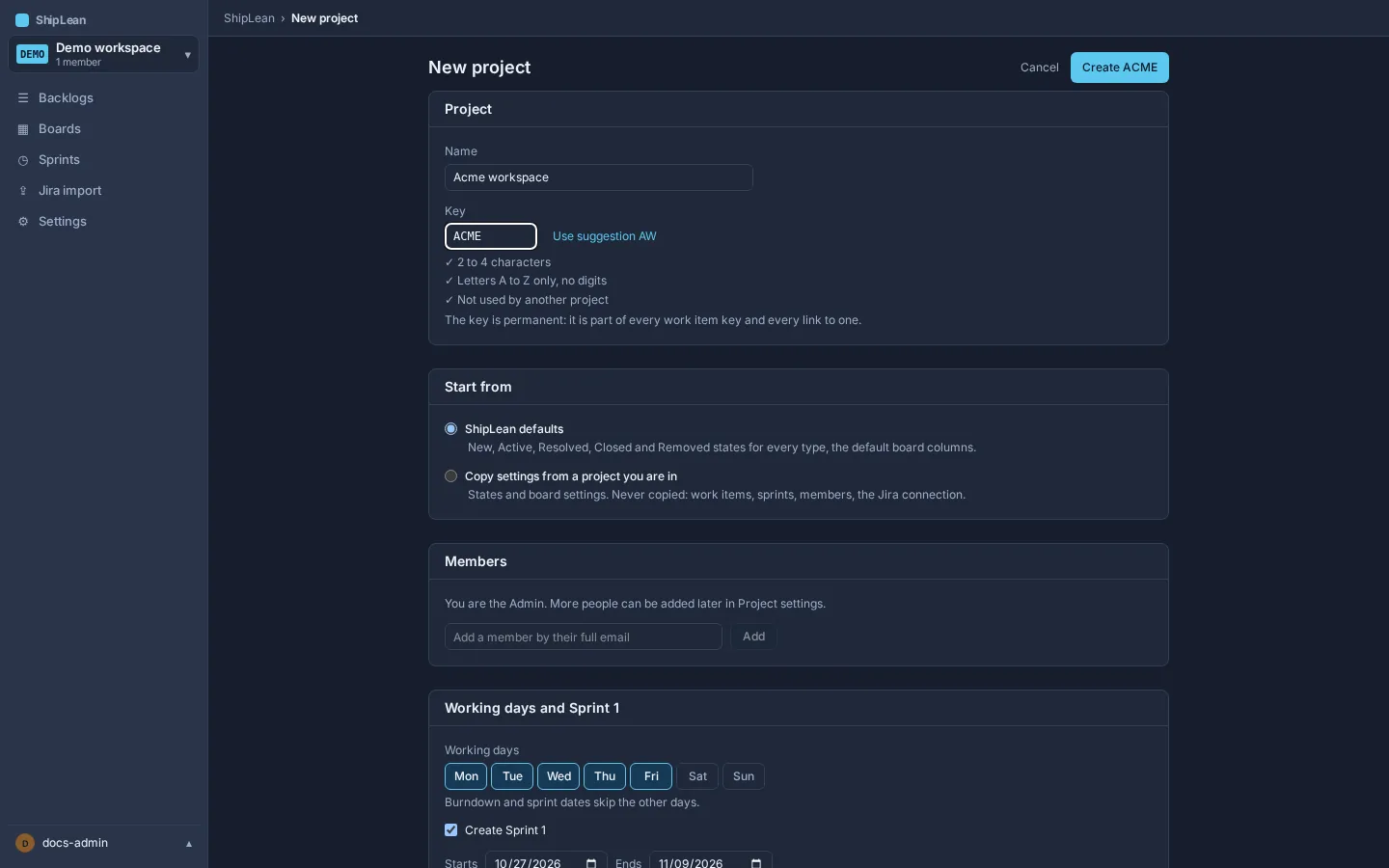
The key is permanent because work item identifiers and links use it. It cannot be changed after the project is created.
Who can create projects
Section titled “Who can create projects”An instance admin can limit project creation to instance admins. If your account is not allowed to create a project, ask an instance admin to change the instance’s project creation setting, or ask them to create the project for you.