

Connecting an agent: the consent screen
When an agent connects, ShipLean asks you to review the client and the access it requests. Allow only connections you recognize and want to grant.
The address for a pending connection request is /authorize?request=<id>.
Overview
Section titled “Overview”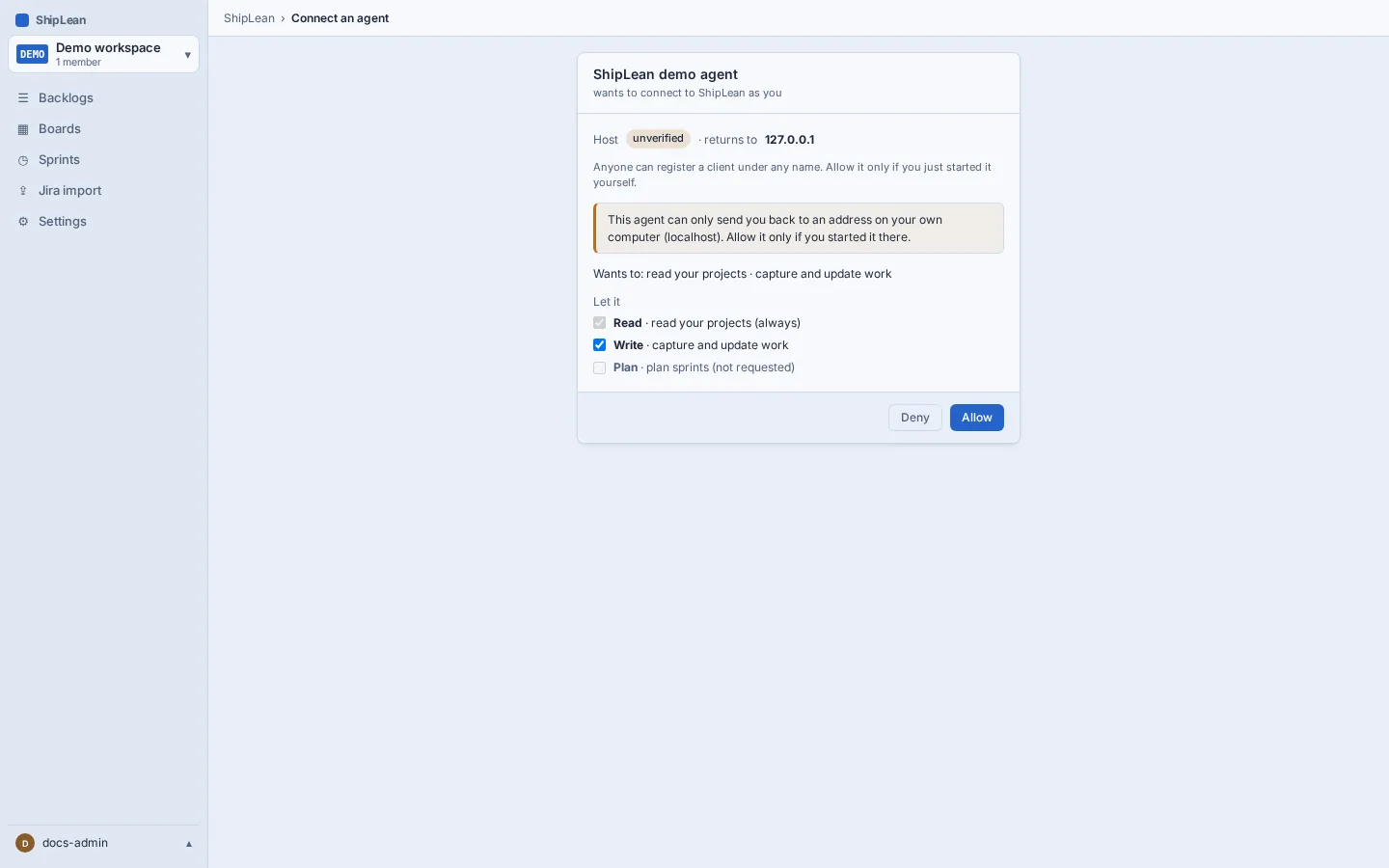
Review a connection
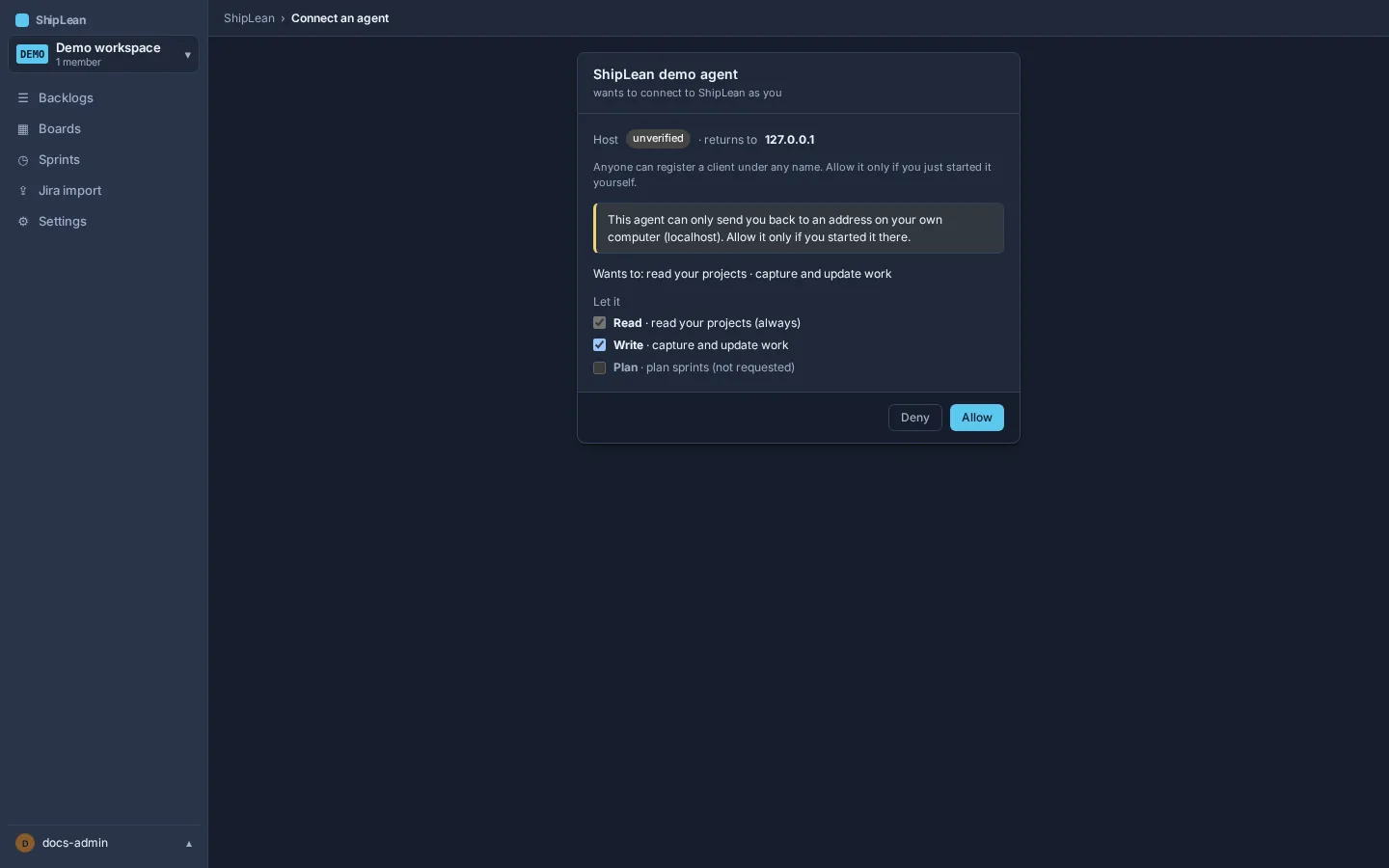
Section titled “Review a connection”The consent screen shows the agent’s name, the host it runs on, and the scopes it requests. A verified client shows its declared host. ShipLean marks a client as unverified when it was registered without a verified metadata document. Review both the client and the requested scopes before you choose Allow or Deny.
The first connection asks for read and write access. Read access covers reading and previews. Write access covers creating and updating work. An agent can request planning access later, when it needs to apply sprint planning. Consenting again adds the requested access to the existing connection. It does not remove scopes that were already granted.
If you allow the request, the browser returns to the agent and the connection appears under Connected agents in your profile. You can revoke it there later. If you deny it, the agent does not receive access.
For client setup, available authentication methods, and scope details, see Connect an agent and Scopes and step-up.